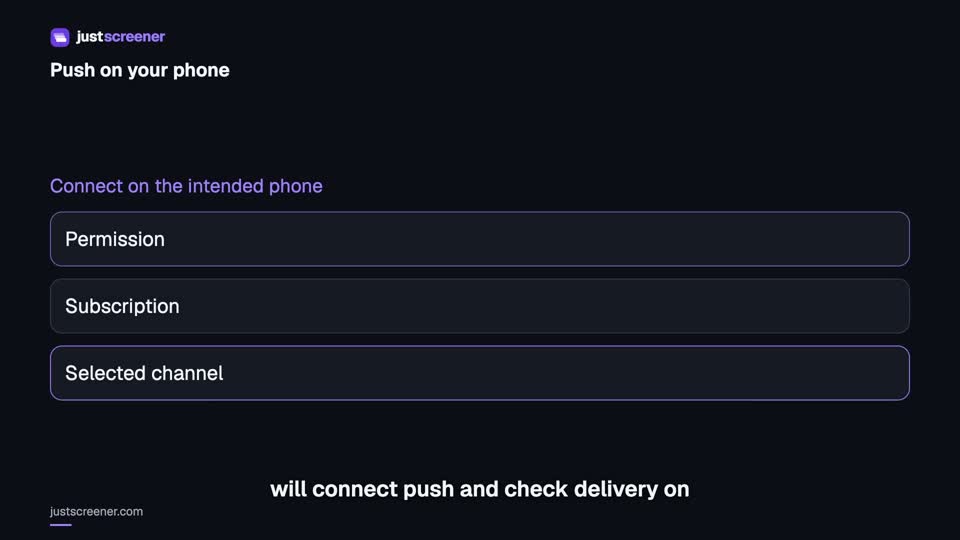
Crypto push notifications to phone and browser
Turn on push — messages reach your phone and desktop even when the site is closed.
Set it up in three steps
- 1. Subscribe this device Enable push in the dashboard on the device and browser where you want notifications. On iPhone, open the web app installed through Safari.
- 2. Allow notifications Accept the browser prompt and check the device permission. A subscription in another browser does not connect this one.
- 3. Check delivery Use the push check available in the dashboard, then enable your screener. If messages do not arrive, check its condition, system mode and permissions separately.
Frequently asked questions
Do I need an exchange API key?
No. We read public market data and send the notification — no access to your account and no keys needed.
How many notifications on the free plan?
One notification a day on the chosen condition on the free plan; unlimited on paid. Conditions and channels are set up the same way.
How do I cut the noise?
Raise the threshold and add a liquidity filter: the higher the bar, the rarer and more meaningful the messages. Repeats of one move merge into a single episode.
What is the delivery delay?
The market is checked once a minute, and an alert arrives about 3 seconds after the check: that covers the market sweep and delivery. During a venue outage single cycles can take longer.
Does it work in a Telegram group?
Yes. Notifications can go to a private chat or a group — set the group id in the channel settings.