No alerts: a step-by-step check
Check access, enabled state, delivery and market conditions to investigate missing notifications.
Start here
Your screener is quiet. Work through three checks: access and enabled state, notification delivery, then market conditions. Avoid lowering every threshold at once. First, establish whether the screener is ready to run and where its notifications should arrive.
Access and enabled state
Open the screener you need and check whether it is enabled. Review your account access and any restrictions shown in the dashboard. If there is a warning or error, follow its instructions. After resolving the cause, check the screener state again. A dismissed error banner does not confirm that the screener is enabled.
Delivery channel
Now check the selected delivery channel. For Telegram, your account must be linked and the bot for this particular screener must be started. Open it from the dashboard and check that it is not blocked. Push requires a subscription on the device and browser where you expect the notification. Browser permission alone is not enough. Send a test and confirm receipt only after you see it on the intended device.
Search scope
Once delivery is ready, review where the screener looks for matches. Are suitable exchanges and markets selected? Is it limited to favorites? Is the coin you expect on your blocked list? Open interest requires futures data. A minimum open-interest filter can also exclude spot pairs. Each restriction narrows the search before the main threshold is checked.
Conditions and history
Check the direction, threshold and interval. Then review the per-coin cooldown and notification limit: these can restrict repeats while a move continues. If this screener offers a historical settings check, run it and read the result together with the period it covers. No matches in that period do not establish a fault. Historical matches do not confirm future delivery or demonstrate a profitable strategy.
Next step
Change one setting at a time and confirm that it saves successfully. If the issue remains, contact support with the screener, delivery channel, time of the expected notification and the error text. Do not share passwords or keys. This sequence helps separate a missing market match from a setup or delivery problem. The related videos cover channel setup in detail.
More videos
 2:54
2:54
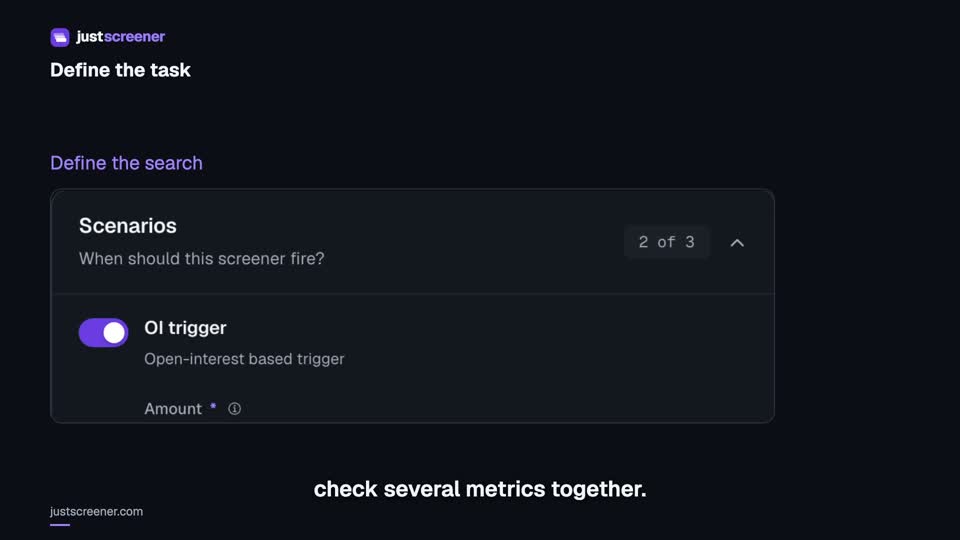
Custom conditions: combine your search rules
Combine price, open interest and turnover conditions: threshold signs, analysis windows, filters and repeats.
Watch video →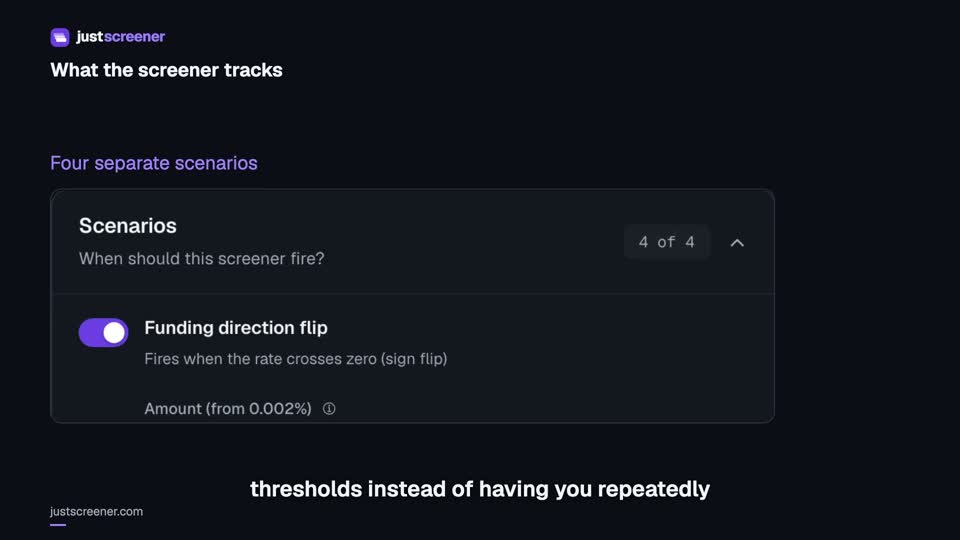 3:33
3:33
Complete funding screener setup
Four funding scenarios: thresholds, sign changes, cross-exchange spread, intervals and filters.
Watch video →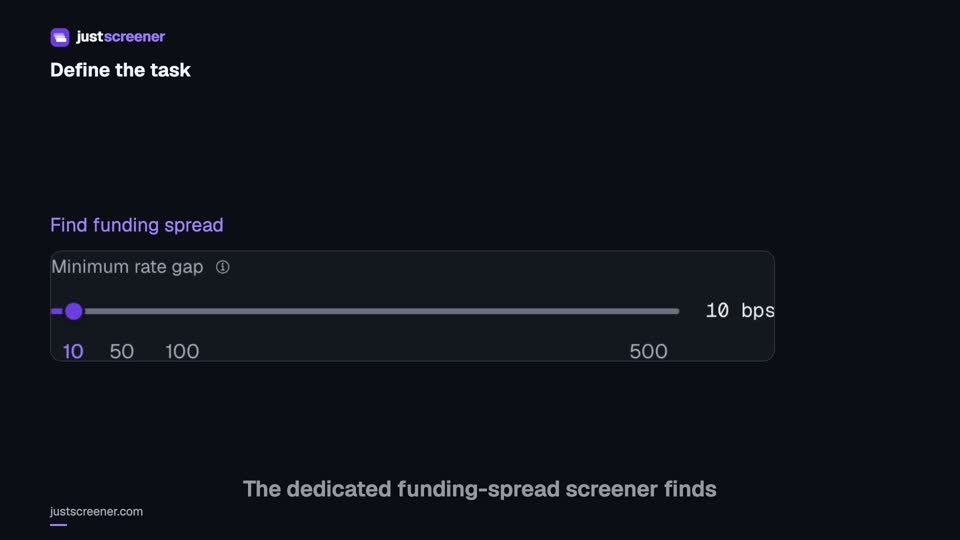 3:20
3:20
Complete funding spread screener setup
Basis-point thresholds, spread stability, the pair universe and per-coin cooldown.
Watch video →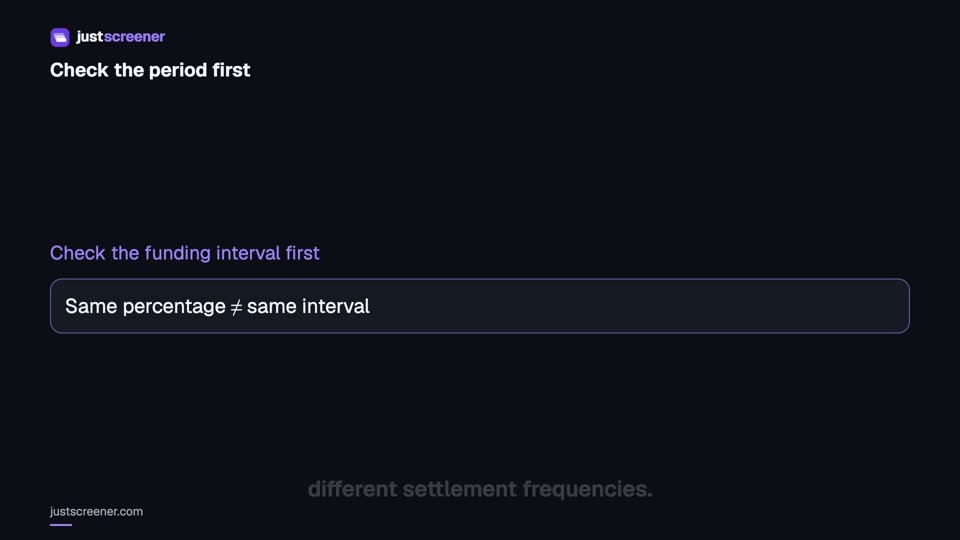 2:36
2:36
Funding: compare different intervals
Eight-hour normalization, unknown intervals and funding calculator assumptions.
Watch video →


