Video tutorials
Learn to configure JustScreener screeners for price, open interest, volume, funding and alerts. Step-by-step videos with links to detailed setup guides.
 2:54
2:54
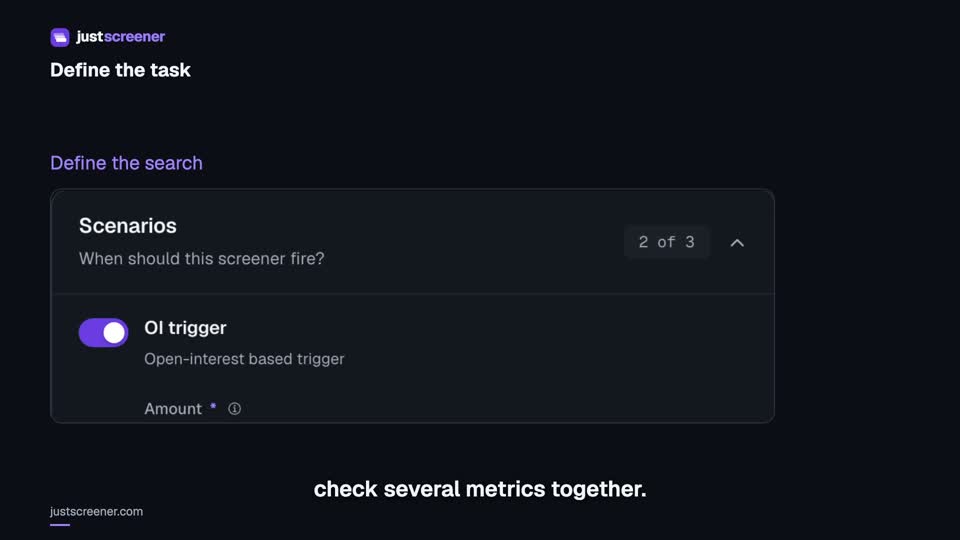
Custom conditions: combine your search rules
Combine price, open interest and turnover conditions: threshold signs, analysis windows, filters and repeats.
Watch video →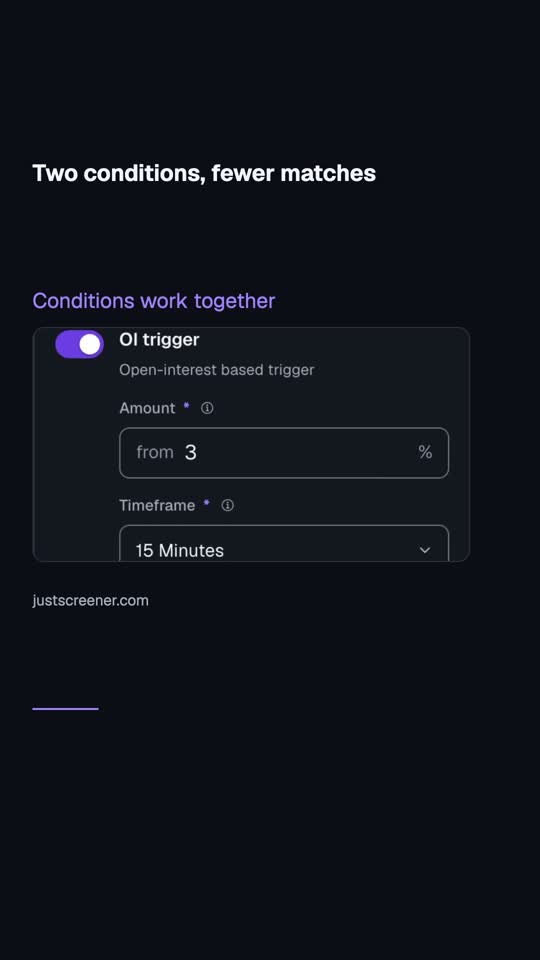 0:27
0:27
Two conditions, fewer matches
Enabled conditions in the custom screener must match together. Price qualifies, but open interest does not?
Watch video →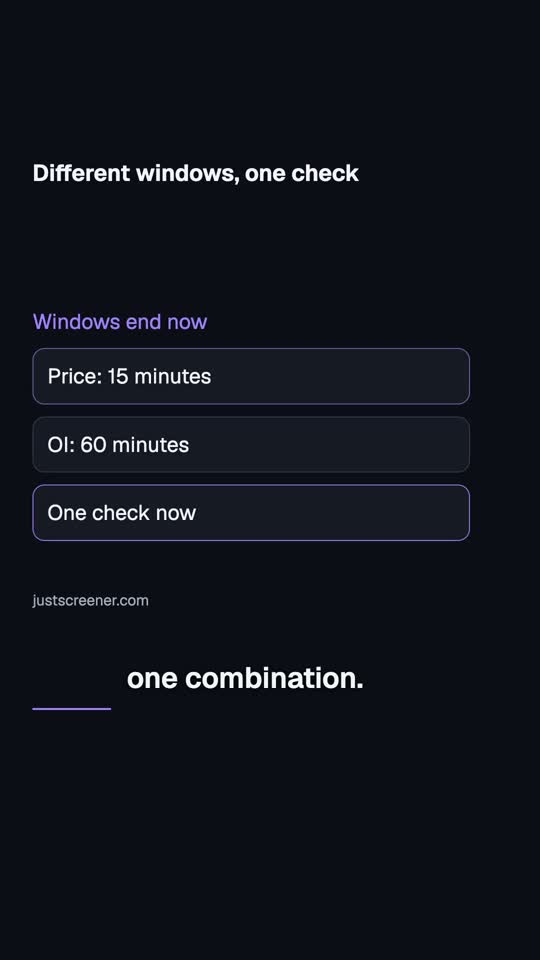 0:23
0:23
Different windows, one check
Price over fifteen minutes and open interest over an hour can form one combination. Both windows end now, but start at different times.
Watch video →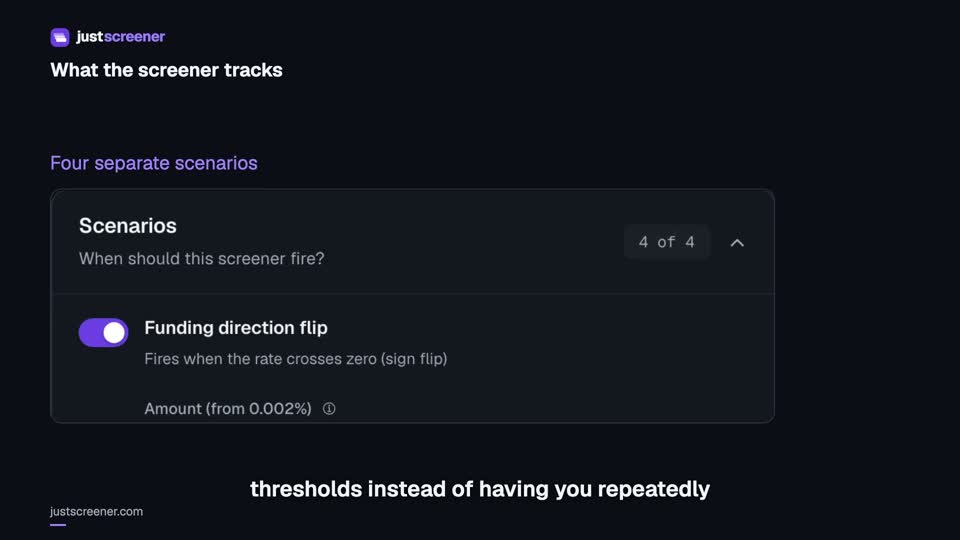 3:33
3:33
Complete funding screener setup
Four funding scenarios: thresholds, sign changes, cross-exchange spread, intervals and filters.
Watch video →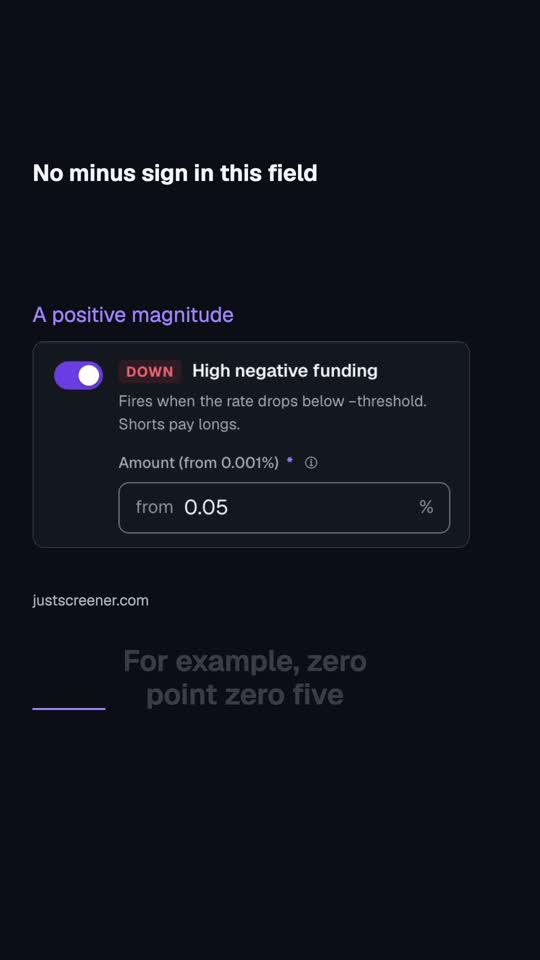 0:25
0:25
No minus sign in this field
The negative-funding scenario takes a positive threshold magnitude. For example, zero point zero five means checking a boundary of negative zero point zero five percent.
Watch video →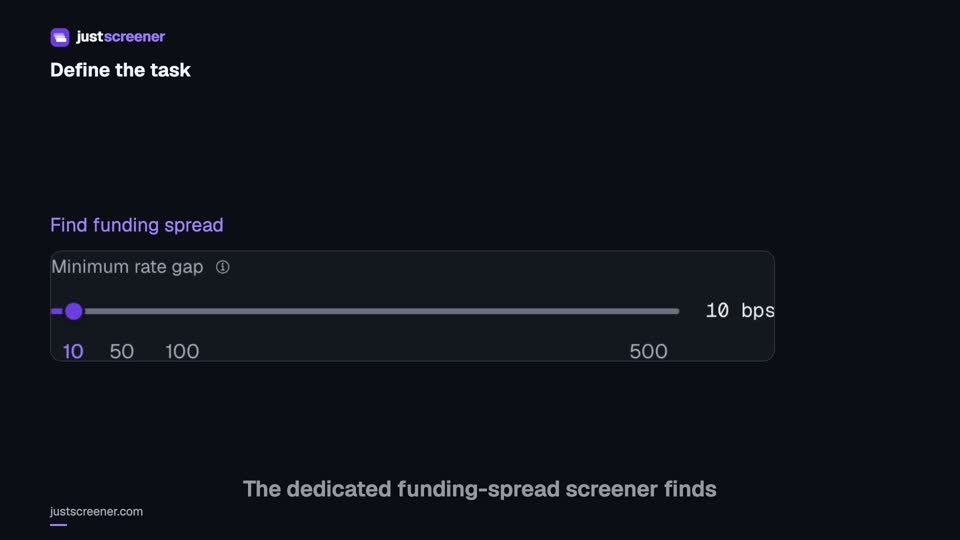 3:20
3:20
Complete funding spread screener setup
Basis-point thresholds, spread stability, the pair universe and per-coin cooldown.
Watch video →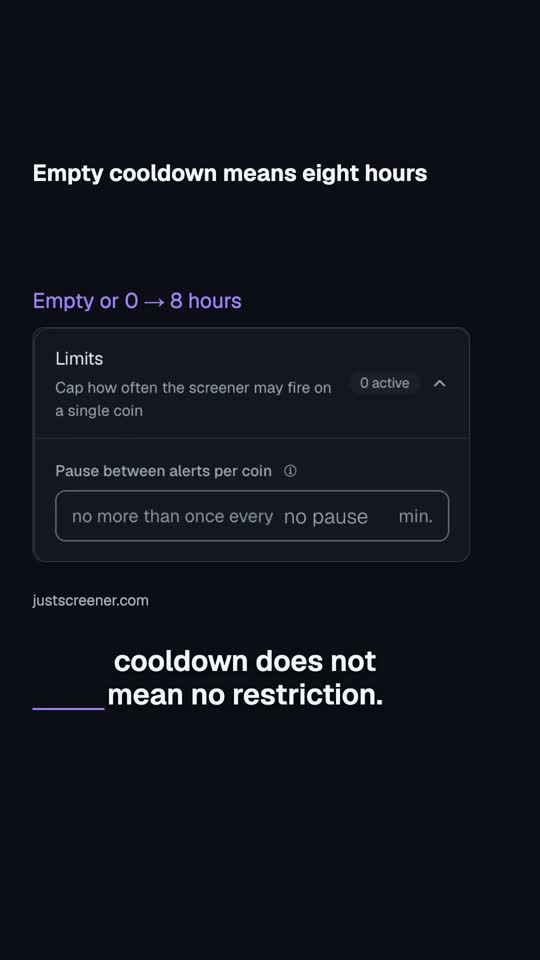 0:25
0:25
Empty cooldown means eight hours
In the funding-spread screener, an empty cooldown does not mean no restriction. An empty field or zero selects the eight-hour default.
Watch video →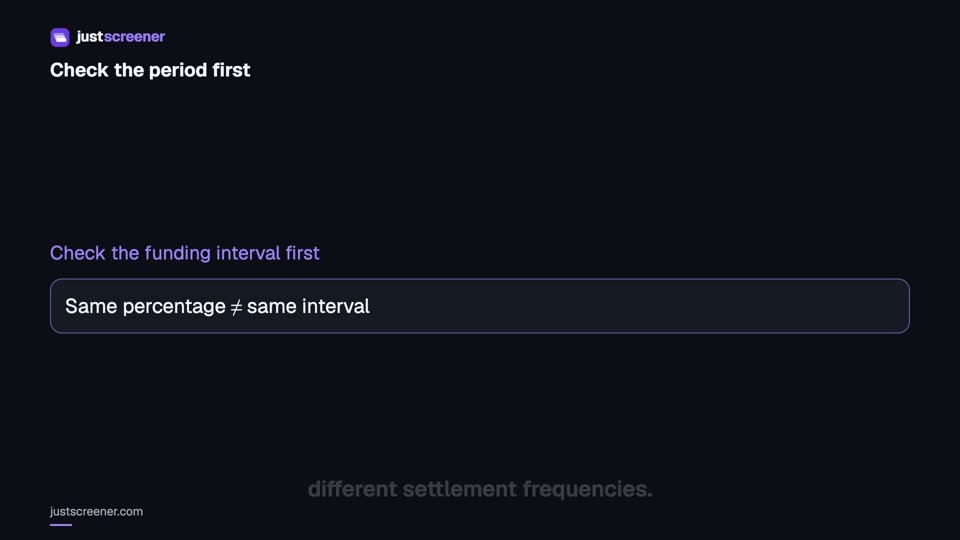 2:36
2:36
Funding: compare different intervals
Eight-hour normalization, unknown intervals and funding calculator assumptions.
Watch video →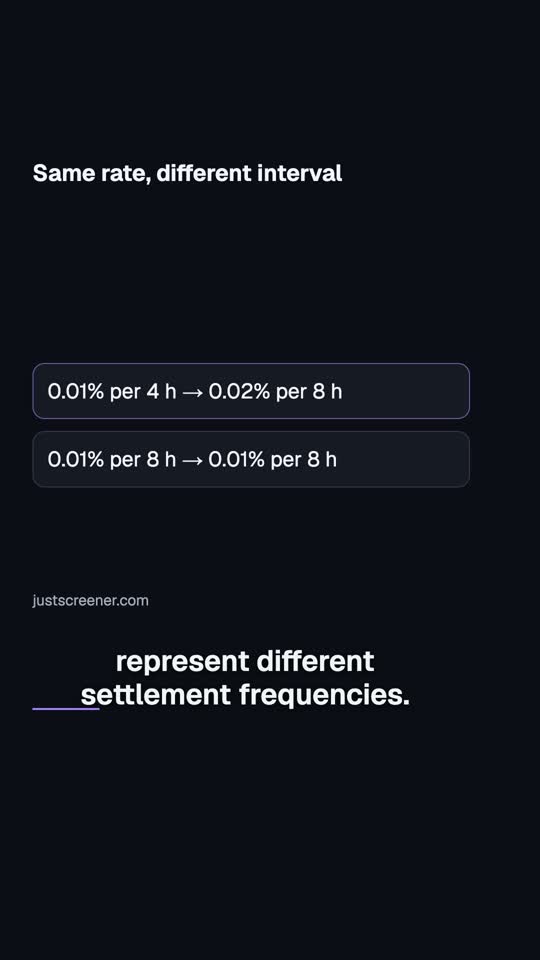 0:27
0:27
Same rate, different interval
Zero point zero one percent per four hours and per eight hours represent different settlement frequencies. On an eight-hour basis, the first example becomes zero point zero two percent; the second remains zero point zero one.
Watch video →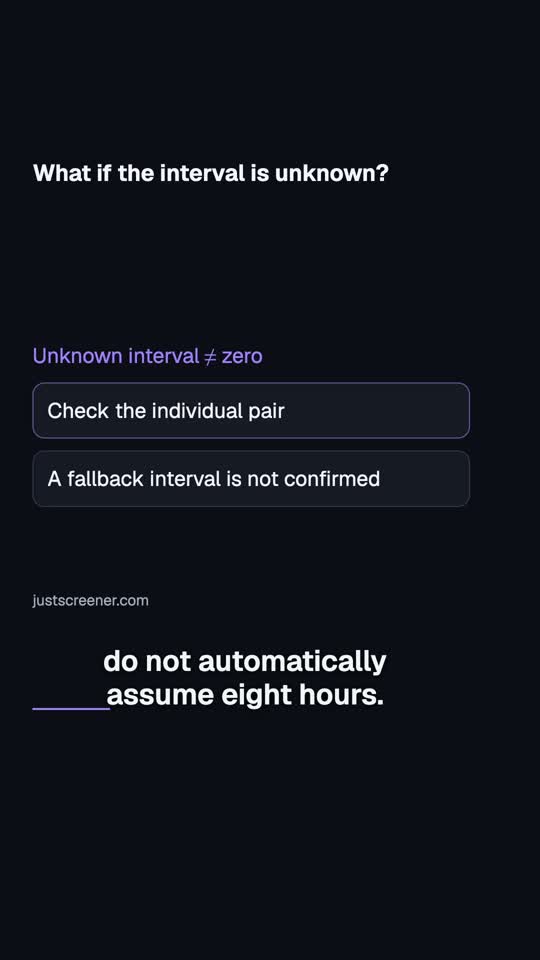 0:23
0:23
What if the interval is unknown?
If the funding interval is unknown, do not automatically assume eight hours. An unknown interval does not mean a zero rate.
Watch video → 2:22
2:22
No alerts: a step-by-step check
Check access, enabled state, delivery and market conditions to investigate missing notifications.
Watch video → 0:25
0:25
Quiet: market or delivery?
No notifications? First check that the screener is enabled and available to your account.
Watch video →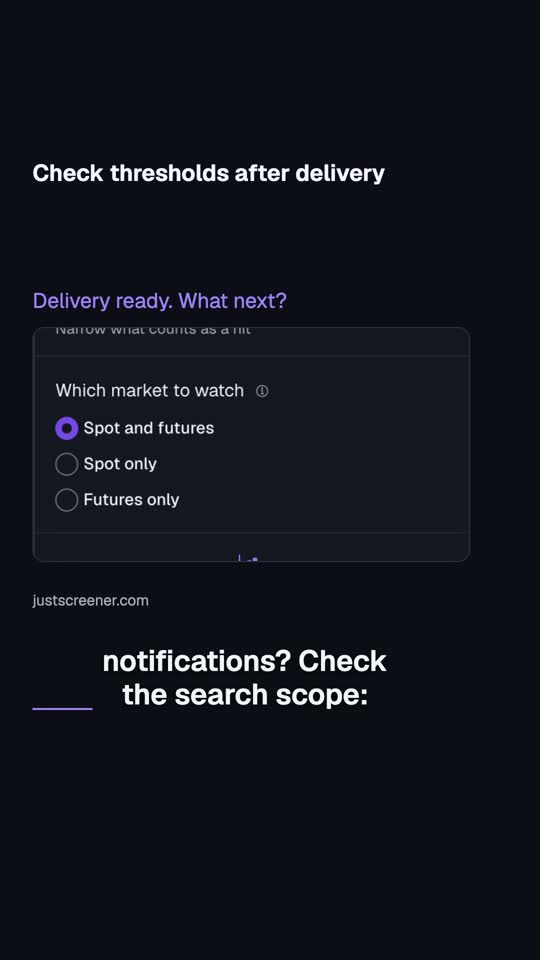 0:30
0:30
Check thresholds after delivery
Delivery is connected, but still no notifications? Check the search scope: exchanges, market and coin lists.
Watch video →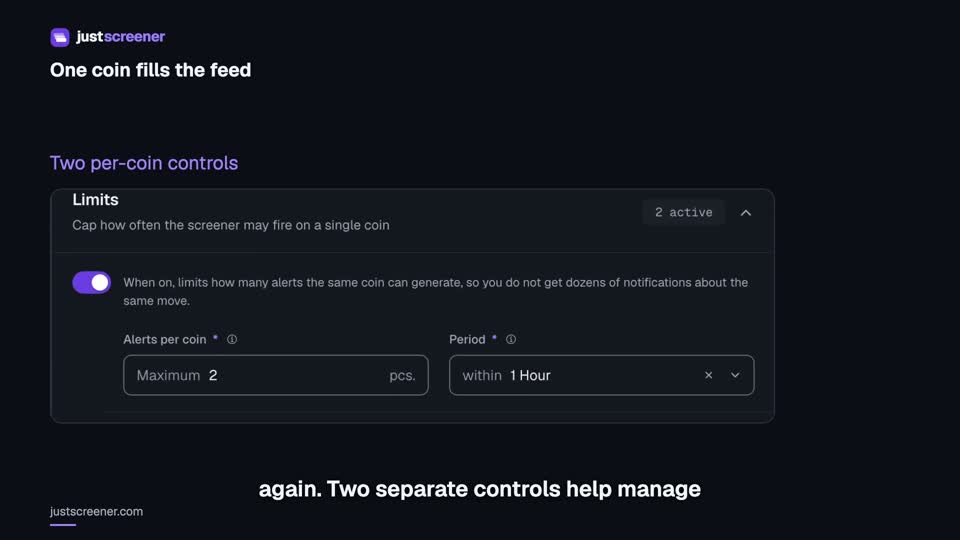 2:14
2:14
Cooldown, limits and notification repeats
Per-coin cooldown and limit, analysis interval and separate repeat controls for price levels and target price.
Watch video →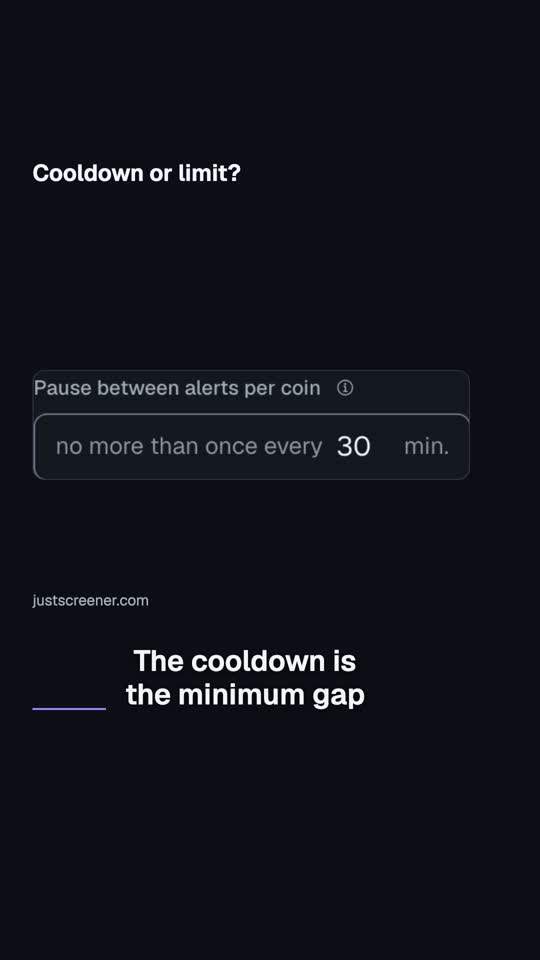 0:24
0:24
Cooldown or limit?
A cooldown and a limit do different jobs. The cooldown is the minimum gap between notifications for one coin.
Watch video →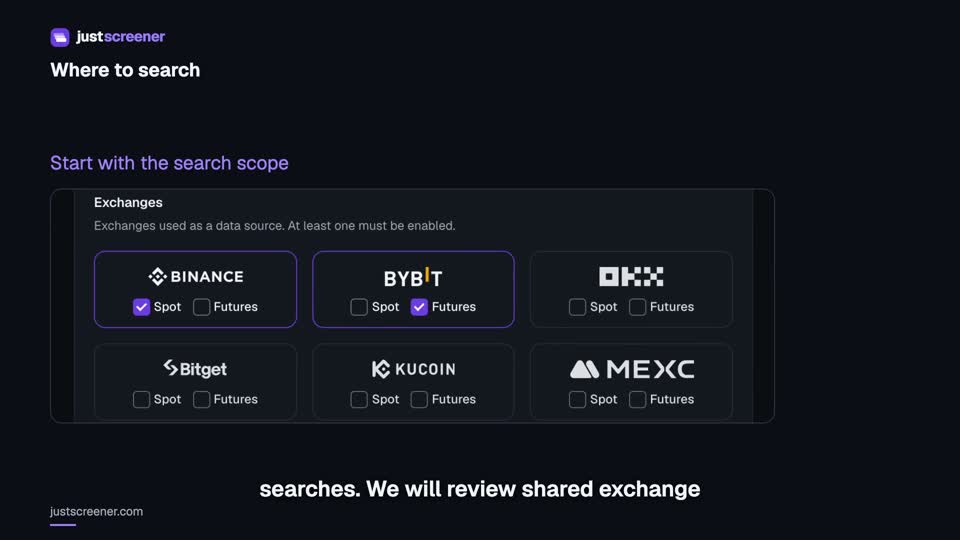 2:13
2:13
Exchanges, spot and futures: search filters
Shared exchange and market settings, form filters, open interest and coin lists.
Watch video →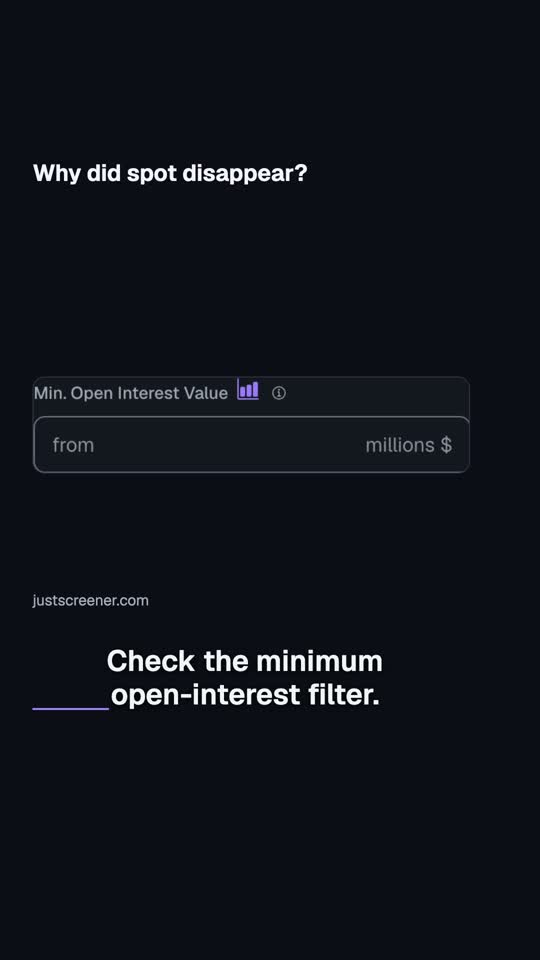 0:23
0:23
Why did spot disappear?
Spot is selected, but there are no matches? Check the minimum open-interest filter.
Watch video →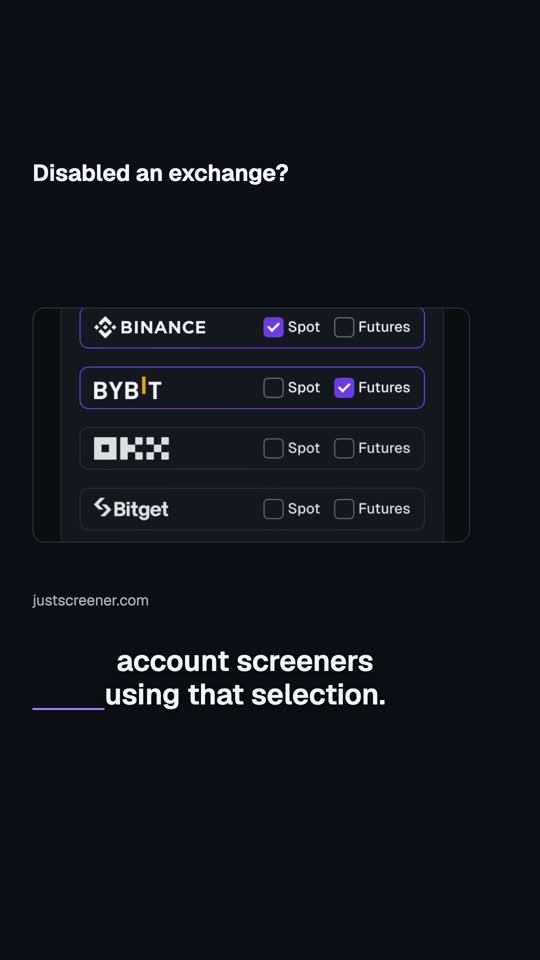 0:25
0:25
Disabled an exchange?
Disabled a venue in shared settings? That changes the search scope for account screeners using that selection.
Watch video →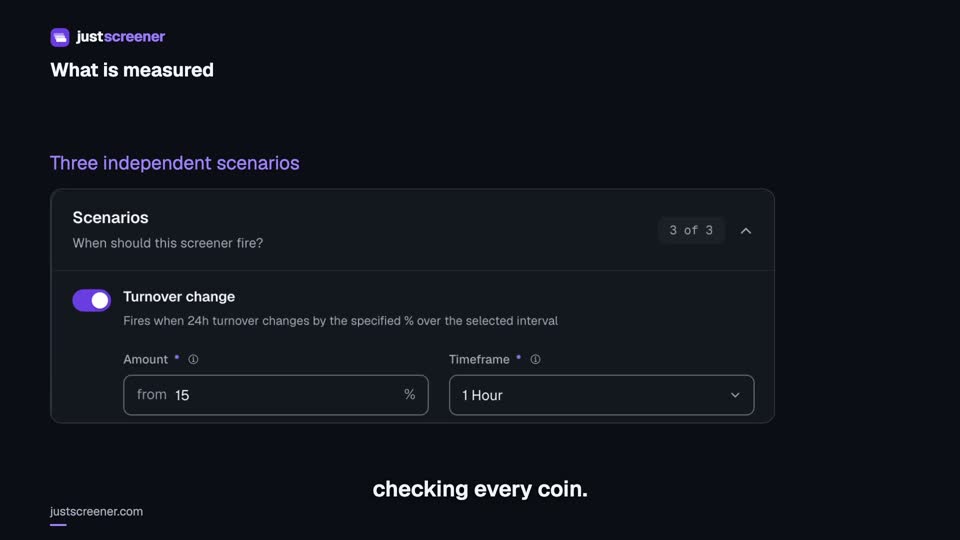 3:28
3:28
Complete turnover screener setup
Three independent turnover scenarios, units, the wash-trade filter and settings checks.
Watch video →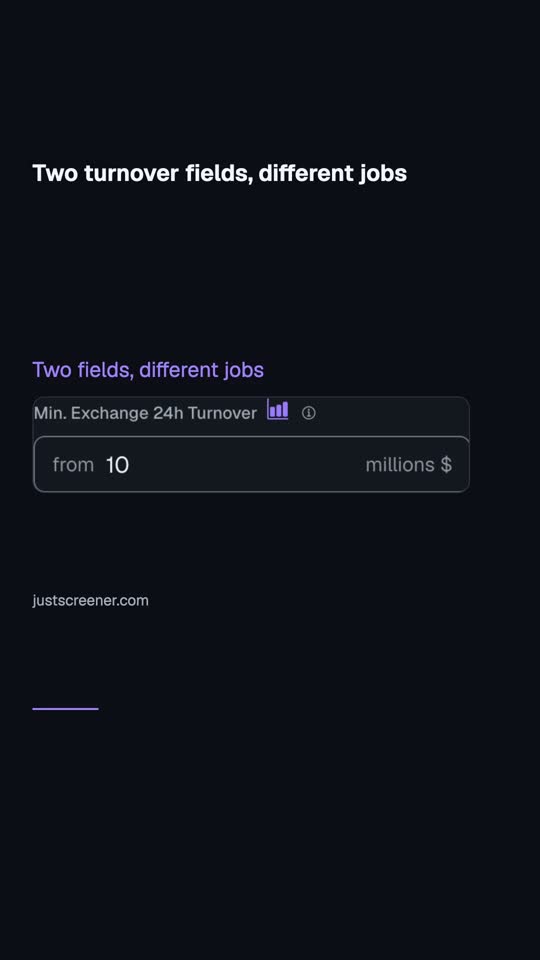 0:27
0:27
Two turnover fields, different jobs
Minimum daily turnover and its change percentage are different fields. The first excludes pairs based on their twenty-four-hour turnover amount.
Watch video → 2:16
2:16
Your first JustScreener setup
Choose a screener, setup, notification channel and exchanges. Check the result of your first setup.
Watch video → 0:33
0:33
First setup: check the result
Finished the setup wizard? Now check the result.
Watch video → 2:06
2:06
How to connect Telegram to JustScreener
Link your account, start the correct screener bot and check the selected channel.
Watch video → 0:32
0:32
Telegram: start the right bot
Telegram is linked, but messages are missing? Check the bot for your screener.
Watch video →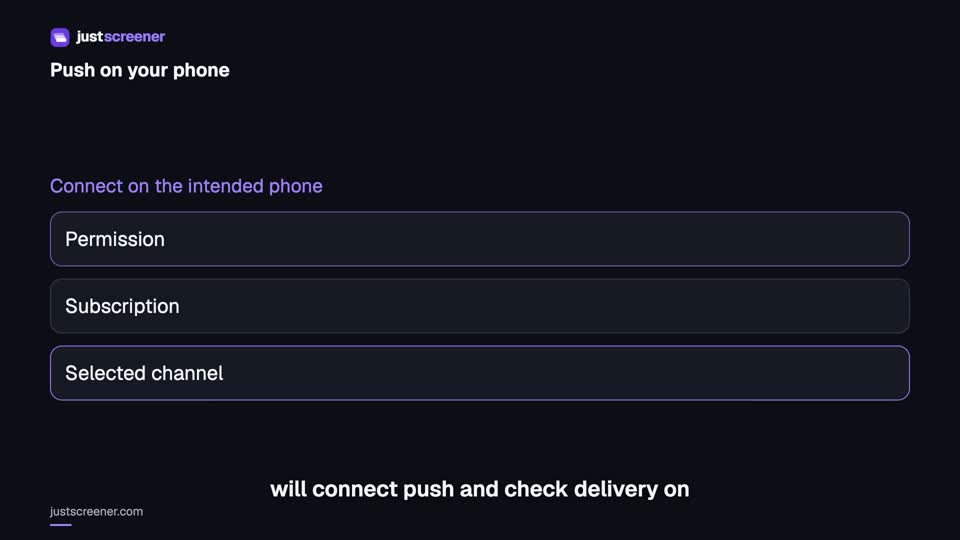 2:42
2:42
Push notifications on iPhone and Android
Connect push on iPhone and Android: permissions, device subscription and a delivery test.
Watch video →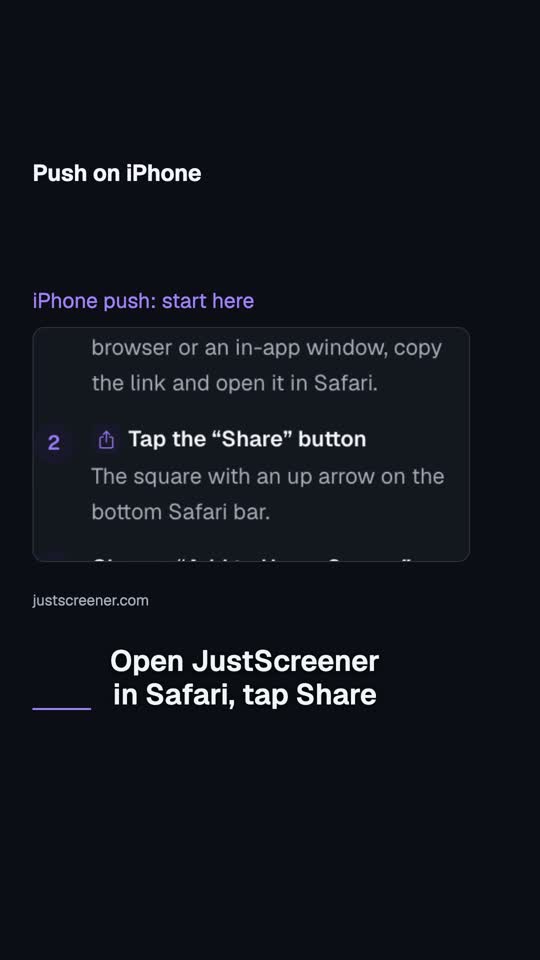 0:30
0:30
Push on iPhone
For push on iPhone, start by installing the site. Open JustScreener in Safari, tap Share and add it to your Home Screen.
Watch video →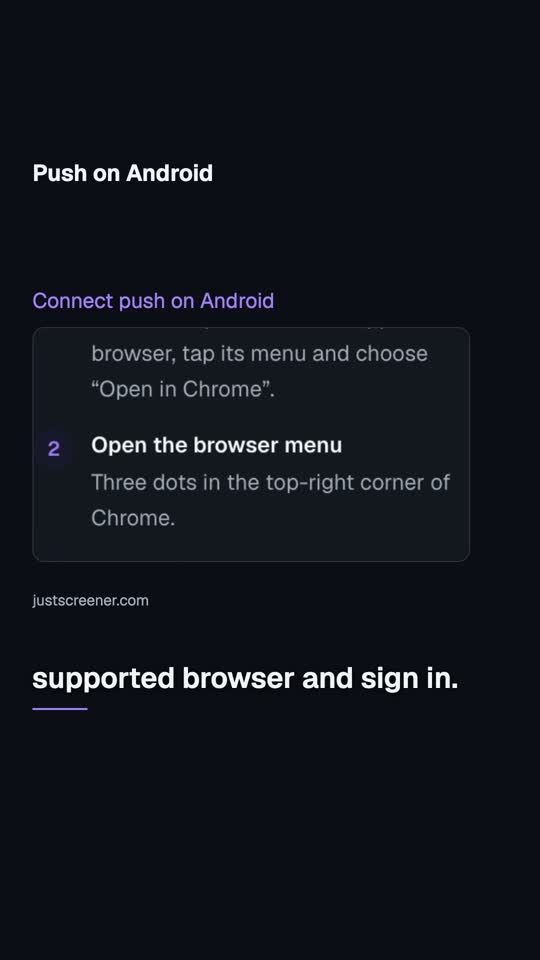 0:32
0:32
Push on Android
On Android, open JustScreener in a supported browser and sign in. Select push in the channel settings, enable notifications and accept the permission request.
Watch video →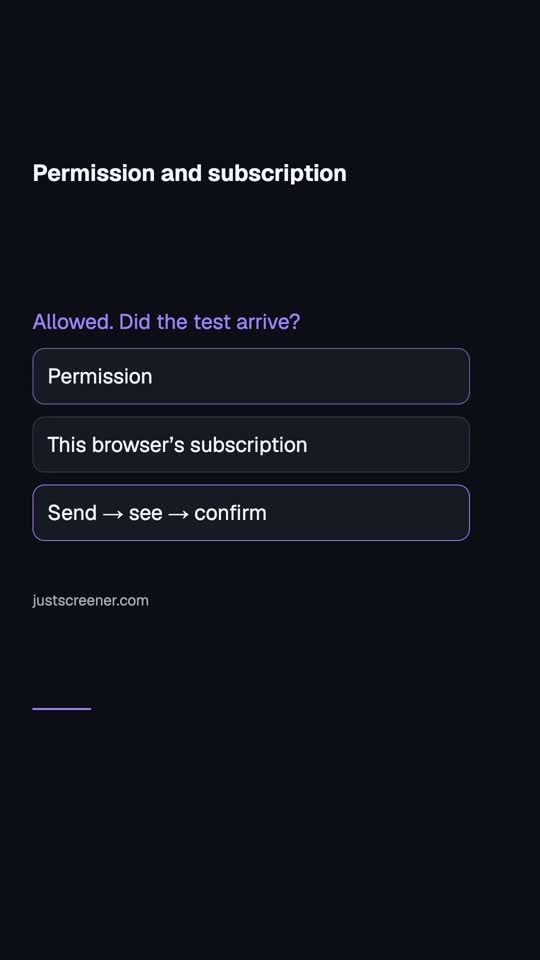 0:30
0:30
Permission and subscription
Allowed notifications? Check the subscription and delivery next.
Watch video →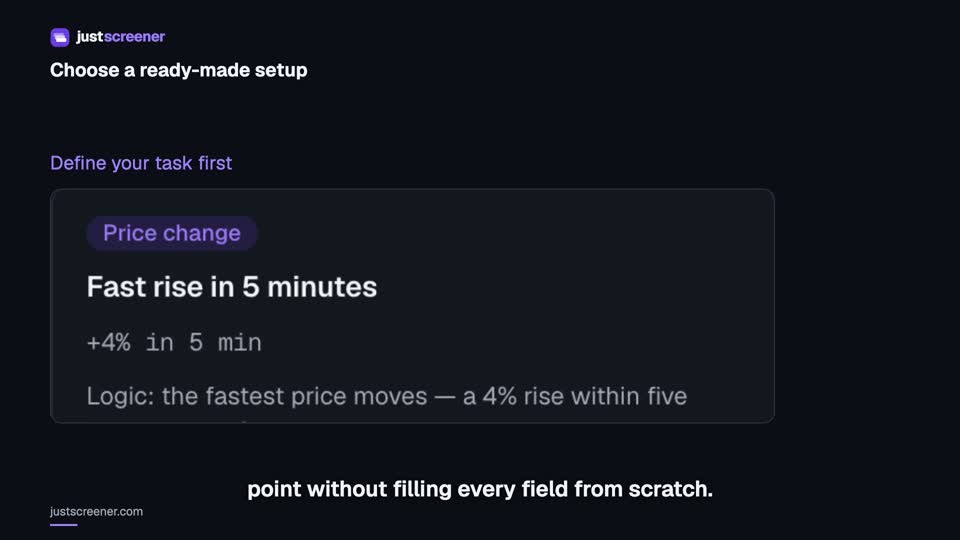 2:07
2:07
How to choose a ready-made setup
Compare conditions, understand automatic saving and adapt a setup to your task.
Watch video →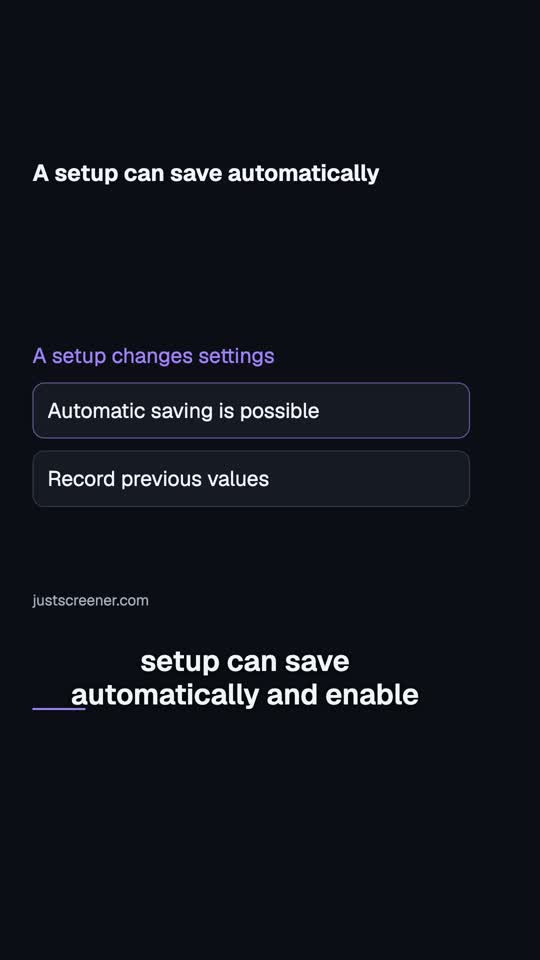 0:34
0:34
A setup can save automatically
Opening a ready-made setup? If your plan allows it, the setup can save automatically and enable the screener.
Watch video →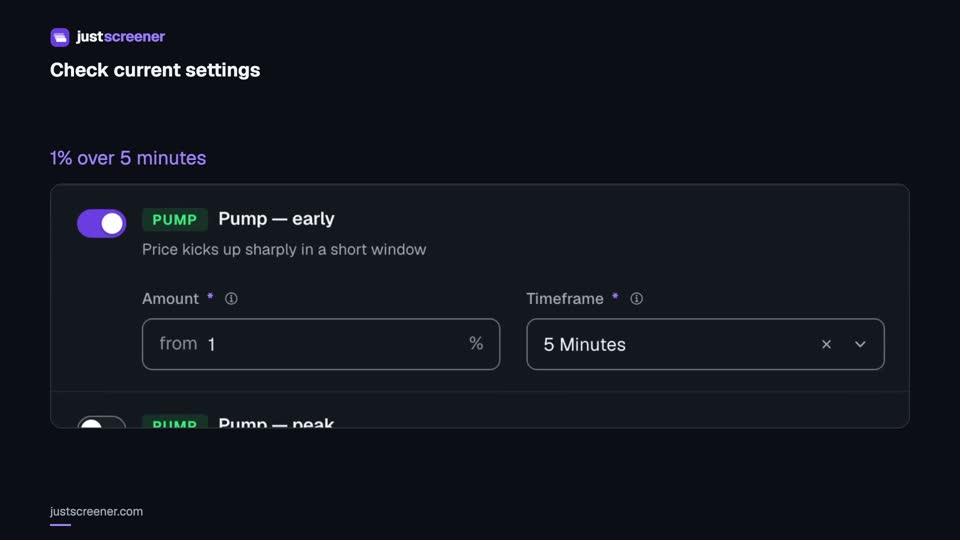 2:43
2:43
Check screener settings against recent history
Check unsaved settings, read the period and match frequency, and compare one changed parameter.
Watch video →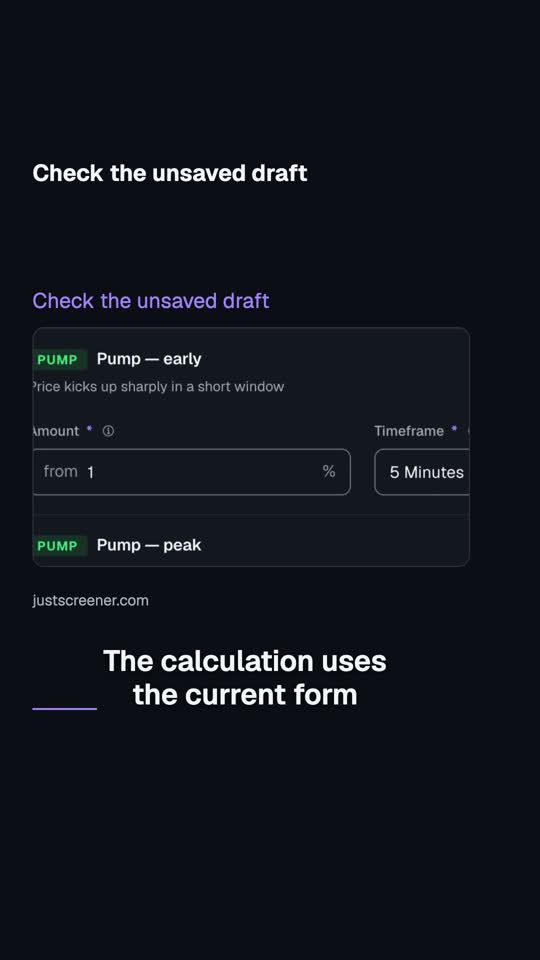 0:28
0:28
Check the unsaved draft
You do not need to save new screener conditions before checking them. The calculation uses the current form values, including unsaved changes.
Watch video →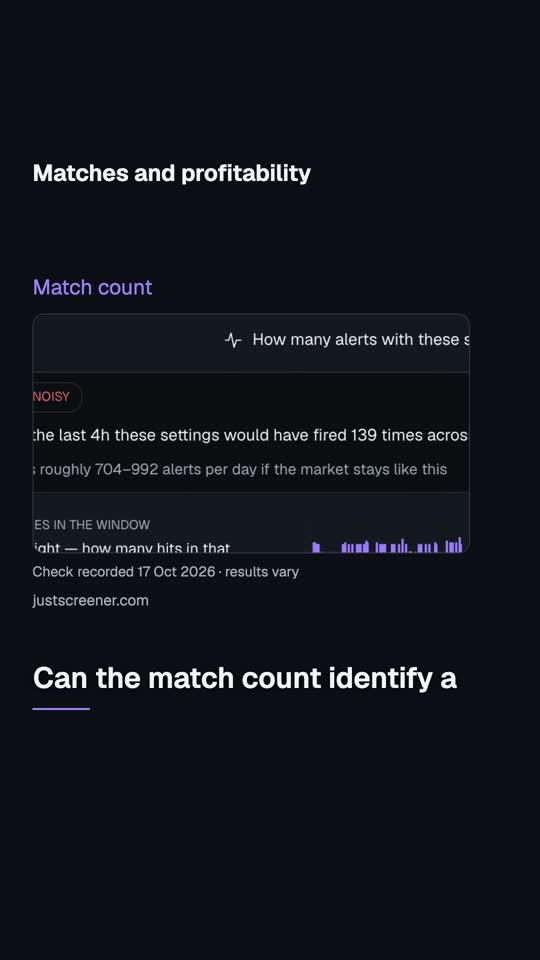 0:31
0:31
Matches and profitability
Your settings check found matches in recent history. Can the match count identify a profitable strategy?
Watch video → 2:32
2:32
How to read a notification and its full breakdown
Read the metric, pair, venue and time, open the context and compare event and current prices.
Watch video →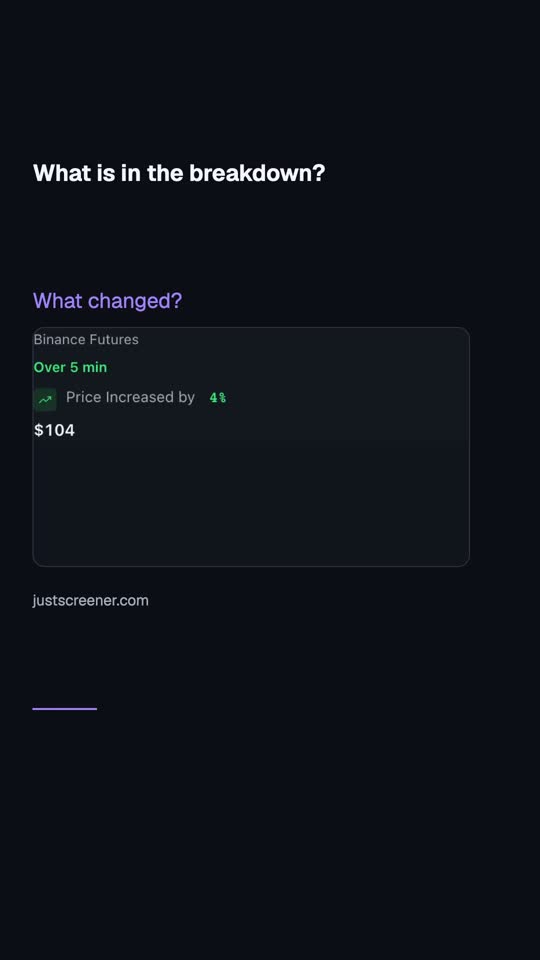 0:28
0:28
What is in the breakdown?
A percentage in the notification heading is only the starting point. Check which metric changed, which pair it concerns and which venue supplied the data.
Watch video →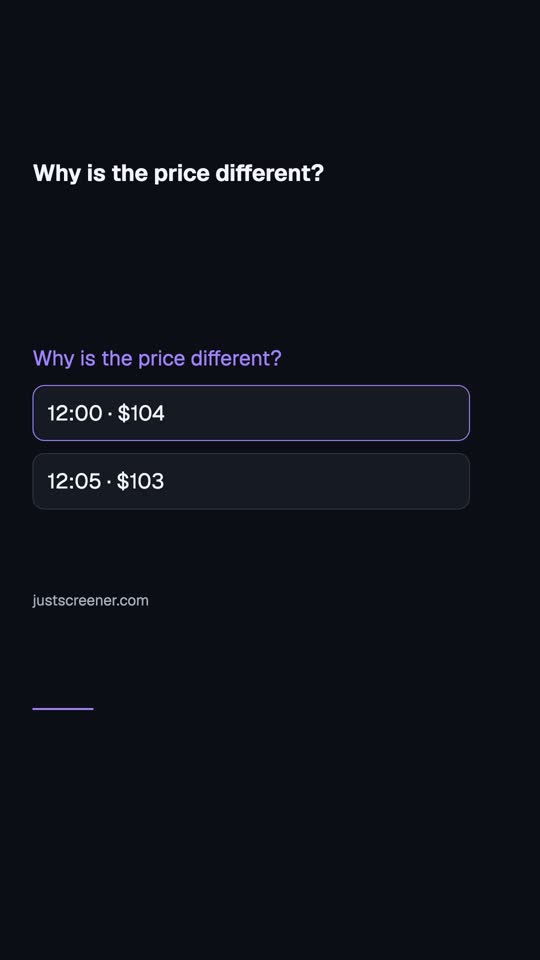 0:29
0:29
Why is the price different?
The notification shows one price, and the chart already shows another. That alone does not prove a delay.
Watch video →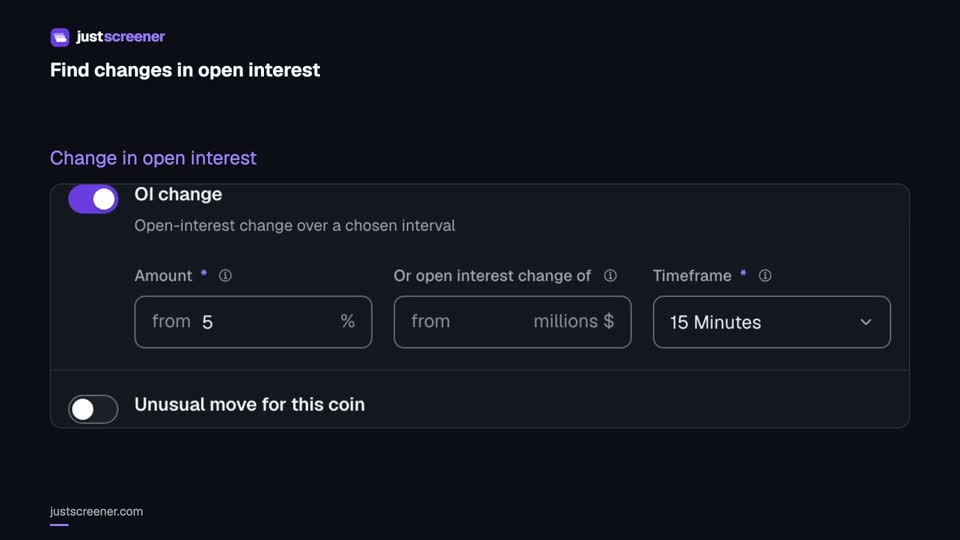 3:08
3:08
How to configure the open-interest screener
Set the change threshold, interval, minimum open interest, turnover and repeat controls step by step.
Watch video →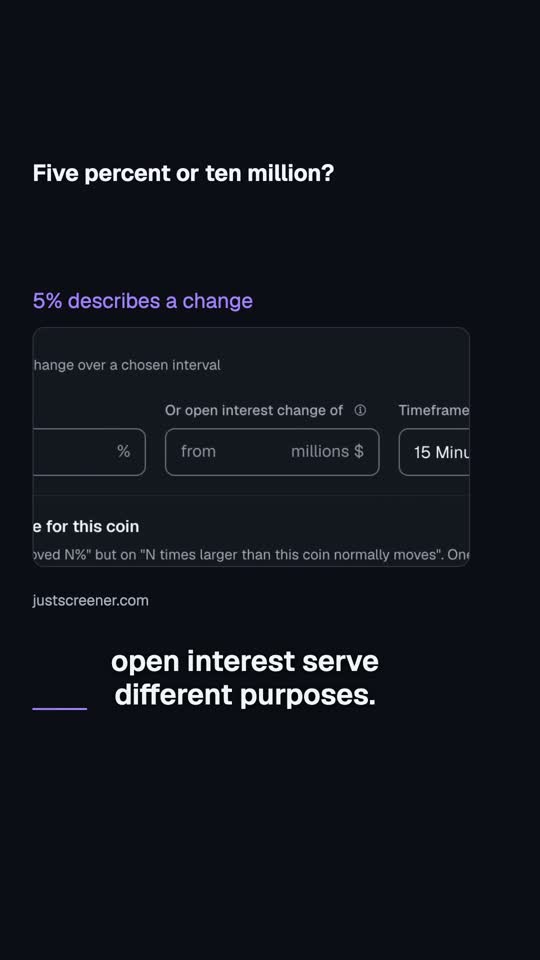 0:33
0:33
Five percent or ten million?
The open-interest change threshold and minimum open interest serve different purposes. Five percent over fifteen minutes describes an increase.
Watch video →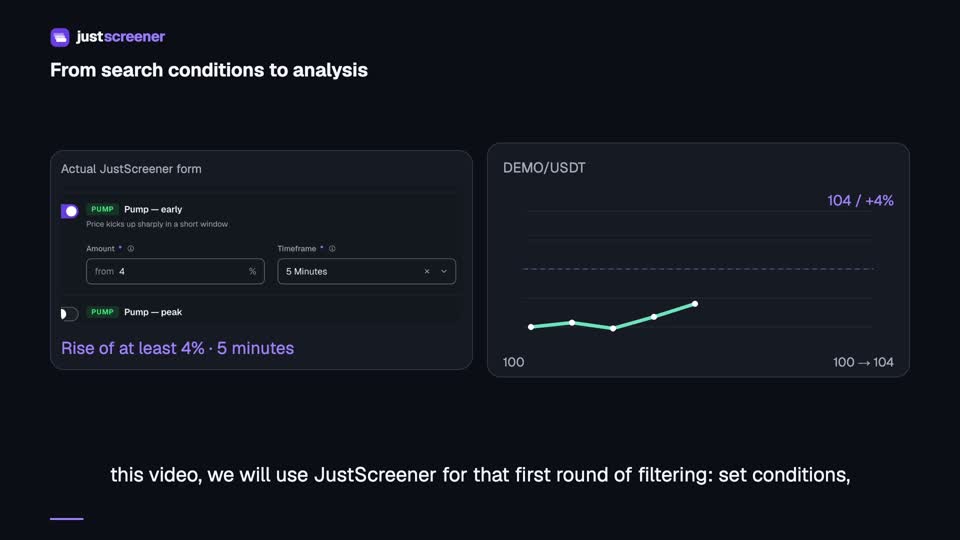 5:08
5:08
How to configure the price screener: a complete guide
Set a threshold, rolling window, turnover filter and repeat pause, then review a matching notification.
Watch video → 0:58
0:58
Price screener: from setup to alert
See how the price screener works: from setting a 4% rise over 5 minutes to scanning the market and receiving an alert for analysis.
Watch video → 0:44
0:44
Open interest
Configure the open-interest screener: change threshold, interval, filters and futures alerts.
Watch video → 0:45
0:45
Turnover screener
Configure daily-turnover change alerts: threshold, comparison interval and notification. An example of a 10% turnover rise over 15 minutes.
Watch video → 0:51
0:51
Custom screener
See how to combine price, open interest and rolling 24-hour turnover into your own condition without code.
Watch video → 0:43
0:43
Funding rate screener
Set up notifications for high positive funding and see what your threshold means.
Watch video → 0:48
0:48
Funding arbitrage screener
Set up a search for funding rate differences across exchanges and understand the comparison.
Watch video → 0:45
0:45
Technical setups
Choose a ready-made technical setup and timeframe using an example with RSI and a moving average.
Watch video → 0:42
0:42
Price level screener
See how to choose the timeframe, minimum weight and notification scenario for a detected level.
Watch video → 0:39
0:39
Target price
Set up your own price target: the coin, price and crossing direction.
Watch video → 0:45
0:45
Liquidation risk
Explore the liquidation risk screener and how its notification differs from a report of an actual liquidation.
Watch video → 0:34
0:34
A person vs the screener
How many charts can you check in a minute? Even at five seconds each — twelve.
Watch video → 0:41
0:41
4 hours of market in 20 seconds
Four hours of the market in twenty seconds. Every flash is a coin where price rose 1% in 5 minutes.
Watch video → 0:22
0:22
High funding = reversal?
High funding — so a reversal is coming?
Watch video → 0:30
0:30
Rising OI means buying?
Open interest is rising — so everyone is buying?
Watch video → 0:30
0:30
Candle volume = turnover?
Is candle volume the same as daily turnover?
Watch video → 0:38
0:38
Too many alerts?
Getting so many alerts that you stopped reading them?
Watch video →