Knowledge base: reading the market and setting up screeners
What price, turnover, open interest, and funding show, how each screener works, what the settings fields mean, and how to read an alert. With worked numbers.
Where to start
Knowledge base sections
Basic theory
Price, volume, open interest, funding and liquidity in plain words.
- What is open interest in crypto
- What is funding rate: who pays and when
- Crypto trading volume vs turnover explained
About Our Screeners
What each screener finds and when it helps.
- How the open interest screener works
- How the 24h turnover screener works
- How the liquidation screener works
Screener's settings
Every screener form field: what thresholds and filters mean.
- Price screener setup: thresholds, windows
- OI screener setup: thresholds, divergence
- Turnover screener setup: spikes and floors
Strategies
Ready-made setups for common tasks and how to read alerts.
- How to read an alert breakdown
- How to cut false screener hits and noise
- Open interest screener scenarios
Video tutorials
Short videos recorded on the real screener form: from the first launch to reading an alert.
 2:16
2:16
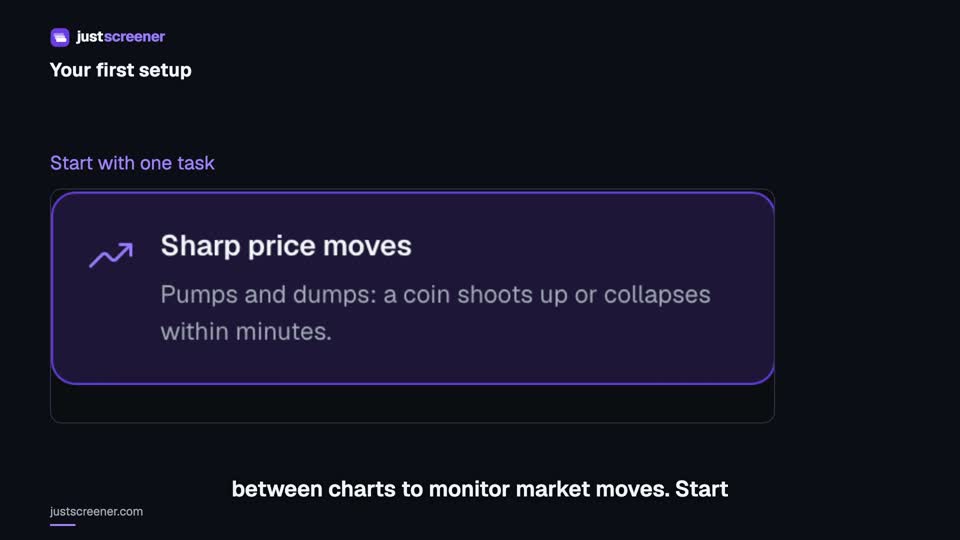
Your first JustScreener setup
Choose a screener, setup, notification channel and exchanges. Check the result of your first setup.
Watch video →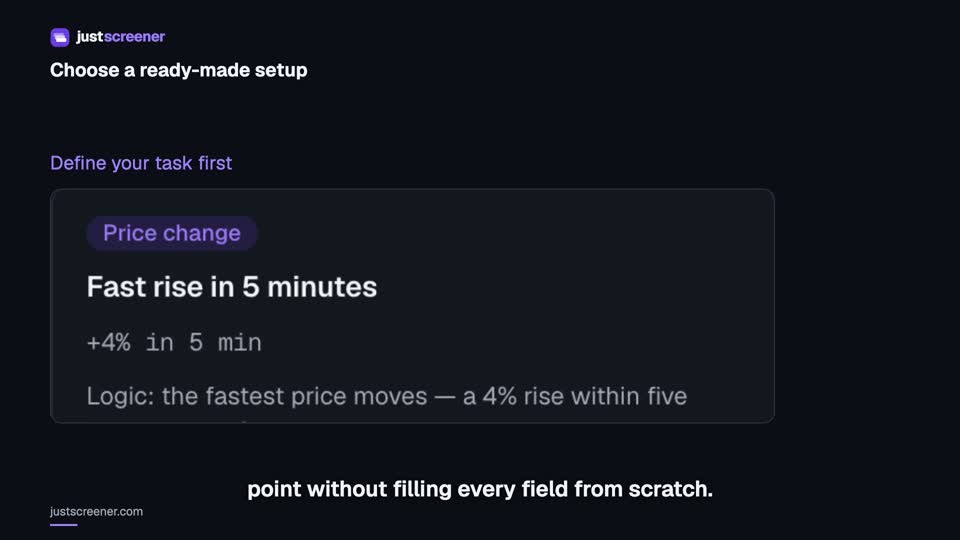 2:07
2:07
How to choose a ready-made setup
Compare conditions, understand automatic saving and adapt a setup to your task.
Watch video → 2:06
2:06
How to connect Telegram to JustScreener
Link your account, start the correct screener bot and check the selected channel.
Watch video →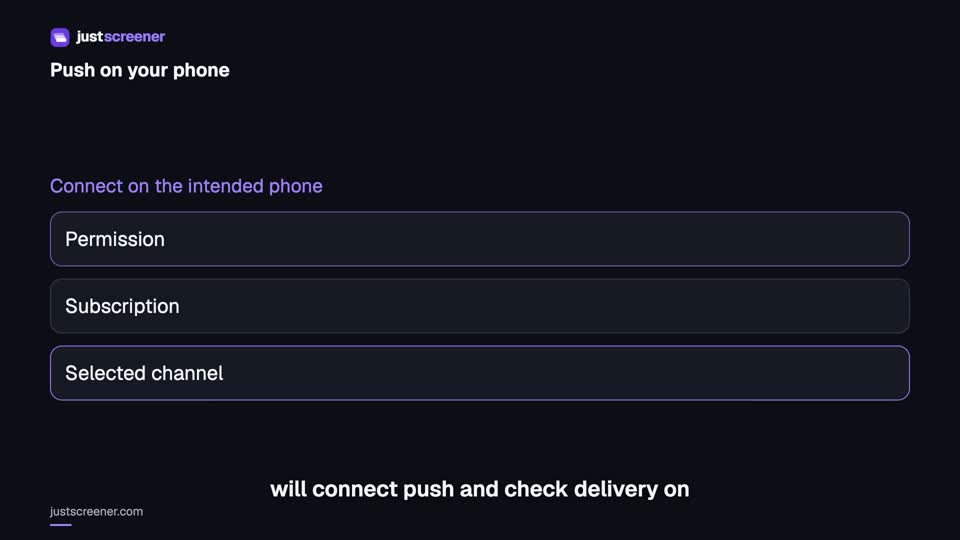 2:42
2:42
Push notifications on iPhone and Android
Connect push on iPhone and Android: permissions, device subscription and a delivery test.
Watch video →Get coins like these as alerts
The screeners check every pair every minute and send coins matching your conditions — no manual table scanning.