Webhook and Discord: notifications in your own system
Where to turn it on, what the webhook receives, how to verify the request signature and connect a Discord channel.
Beyond your phone
Notifications usually arrive in Telegram or as push. Sometimes you need to pass them on: to your own spreadsheet or bot, to a team channel, or to a script that runs the next check. The dashboard has two channels for this: your own webhook and Discord.
Where to turn it on
Both channels live in the AI assistant section, in the Webhook and Discord block. They are available on paid plans and during the trial. They add to your existing delivery: Telegram and push keep working as before.
What the webhook receives
A webhook is an address on your server. It must use HTTPS and be reachable from the internet. When a new notification appears, JustScreener sends a POST request to it. The body is JSON with a list of events: an ID, the screener, the pair, the notification text, the time and a link to the dashboard.
Request signature
Once you save the address, a signing secret appears. Every request carries the X-JustScreener-Signature header: an HMAC SHA-256 of the body, computed with that secret. Your server computes the same value and compares them. A match means the request came from JustScreener. A mismatch means you should reject it: someone else may have learned the address.
Discord
Discord is simpler. In your channel settings, create a webhook under Integrations and copy its URL. Paste it into the Discord field and save. Notifications arrive in the channel as regular messages: the pair, the screener and the text.
Test and delivery rules
Save your settings and press Send test to confirm the address accepts requests. A few simple rules apply from then on. Only new cards are forwarded: a repeat of the same move is not sent again. During quiet hours Discord stays silent, while the webhook still receives events. If the address fails three times in a row, sending slows down, and after twenty failures the channel turns off. Fix the address and save it again.
Summary
Your screeners still decide which notifications to forward. The webhook and Discord simply deliver them where they are easier to work with: your own system or your team.
More videos
 2:54
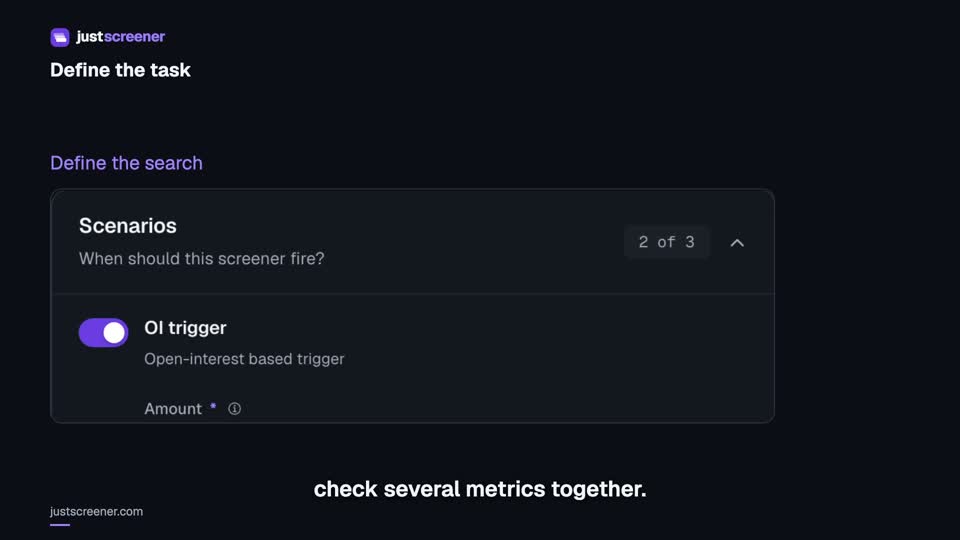
Custom conditions: combine your search rules
Combine price, open interest and turnover conditions: threshold signs, analysis windows, filters and repeats.
Watch video →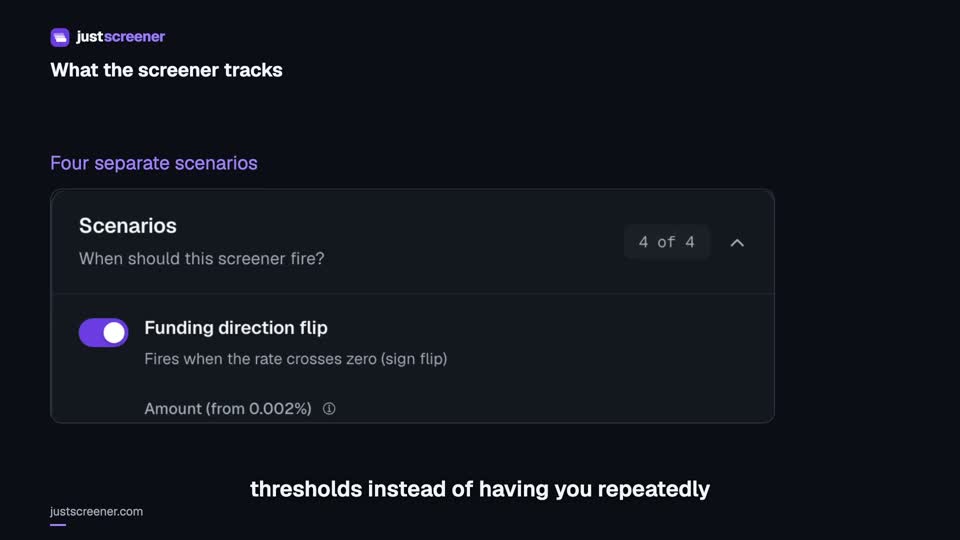 3:33
Complete funding screener setup
Four funding scenarios: thresholds, sign changes, cross-exchange spread, intervals and filters.
Watch video →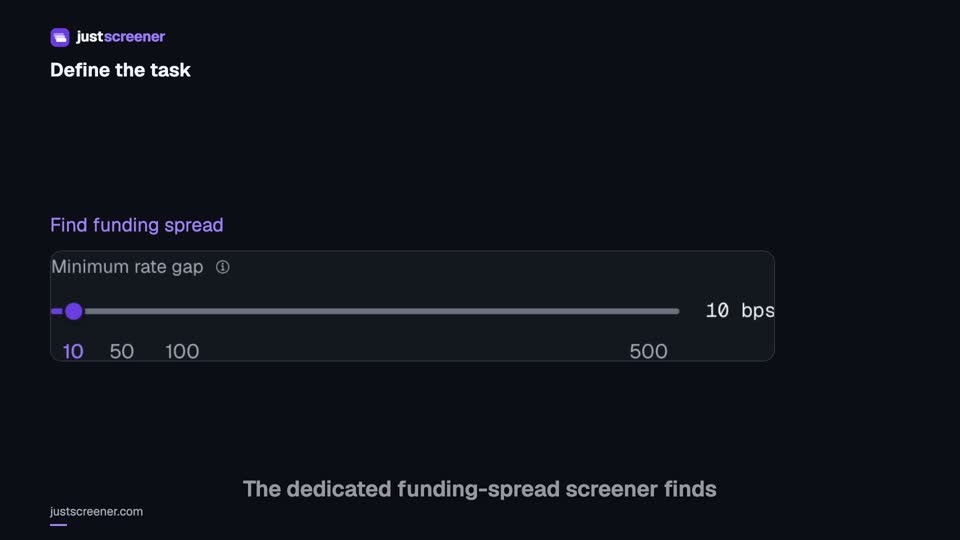 3:20
Complete funding spread screener setup
Basis-point thresholds, spread stability, the pair universe and per-coin cooldown.
Watch video →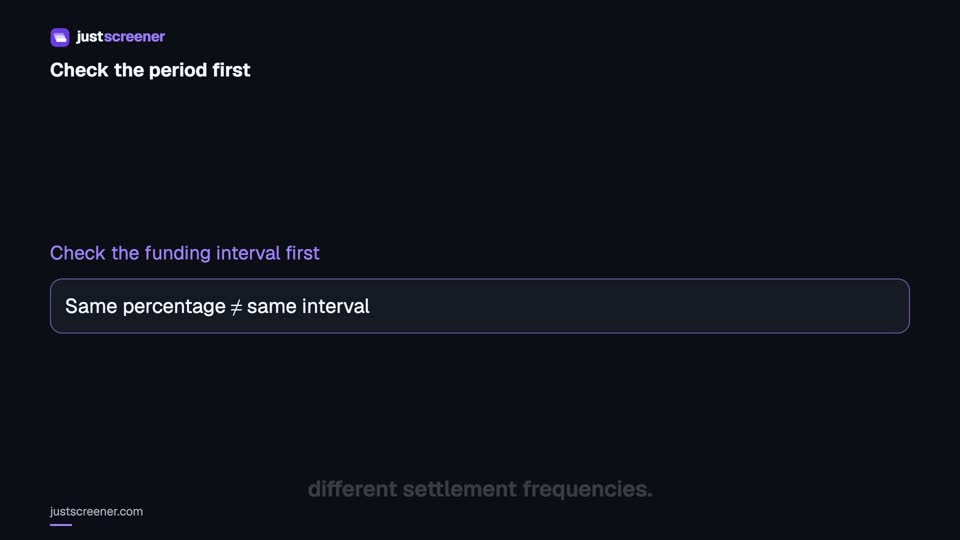 2:36
Funding: compare different intervals
Eight-hour normalization, unknown intervals and funding calculator assumptions.
Watch video →Let the screener watch this for you
What this article covers, JustScreener checks across 7,800+ pairs on 10 exchanges every minute. Set your own threshold and get a push or Telegram alert when the market matches it. On the right — what the screeners sent recently.
-
30 min ago
 B/USDT
Price levels
-
30 min ago
 INIT/USDT
Funding
+0.0012%
-
30 min ago
 ZK/USDT
Open interest
+5.62%
-
31 min ago
 STO/USDT
Funding
+0.0510%
- 31 min ago UUSDC Volume
subscribers get them without the delay