Cooldown, limits and notification repeats
Per-coin cooldown and limit, analysis interval and separate repeat controls for price levels and target price.
One coin fills the feed
During an extended move, the same coin can meet your screener conditions again. Two separate controls help manage repeats: a cooldown and a maximum number of notifications per coin over a selected period. Let us look at what each control does.
Cooldown
A cooldown sets the minimum gap between notifications for one coin. For example, thirty minutes. After a notification, the cooldown restricts another one for that coin. This is not a schedule: a new message is not due when thirty minutes pass. The conditions must match again. Zero disables the cooldown in the price screener form shown here.
Per-coin limit
The limit answers a different question: how many notifications are allowed for one coin within the selected period? Here, the maximum is two per hour. That is a ceiling, not an expected count. It does not mean two messages for the entire market. Another coin must still meet its own conditions. Both controls apply: an expired cooldown is not enough if the limit has already been reached.
Analysis interval
Do not confuse these controls with the analysis interval. The interval defines the window over which the screener checks a metric change. The cooldown controls when another notification is allowed. Changing the analysis interval changes the search condition itself. Changing the cooldown restricts notification frequency for a coin. Review them separately.
Repeats for levels and target price
Price levels and target price have a separate repeat control. With repeats disabled, a target-price marker becomes inactive after it fires. Rearm it or change its price to use it again. For price levels, approach, breakout and retest count as separate events. Do not assume every screener handles repeats in the same way. Read the hint beside its switch.
Check and save
Choose a cooldown and limit for your task, save them and check the confirmation. Where a historical check is available, review it using the same settings. Do not expect a fixed number of messages per day: market activity and other filters also matter. These controls help manage repeats and leave more time for analysis.
More videos
 2:54
2:54
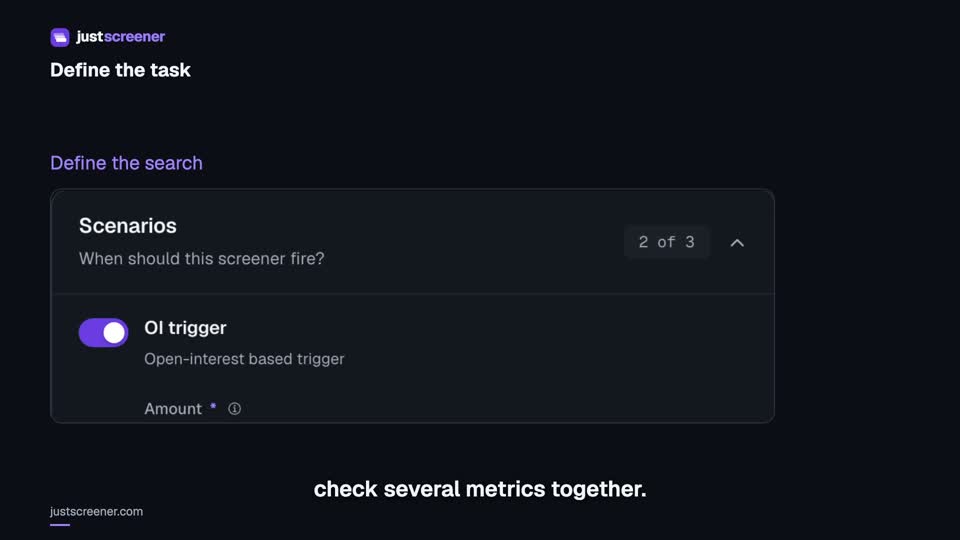
Custom conditions: combine your search rules
Combine price, open interest and turnover conditions: threshold signs, analysis windows, filters and repeats.
Watch video →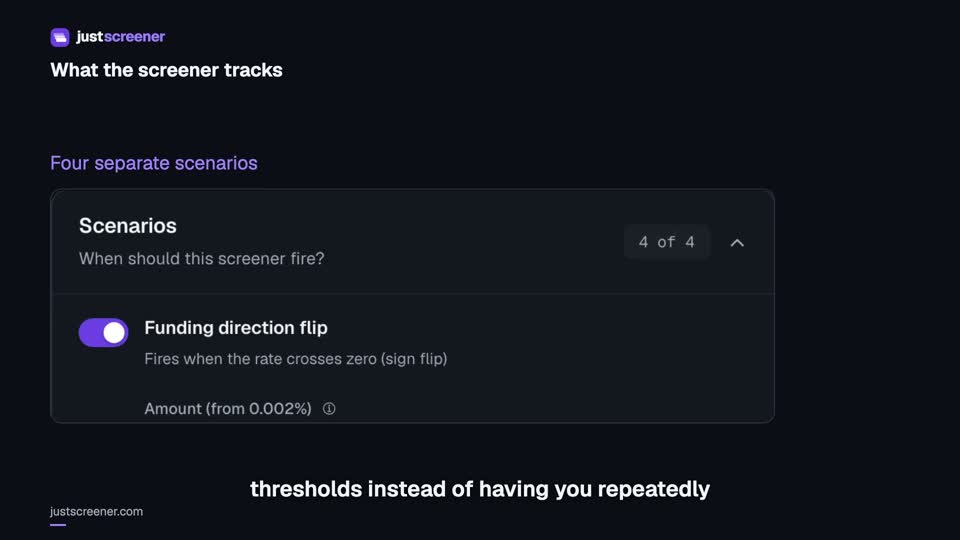 3:33
3:33
Complete funding screener setup
Four funding scenarios: thresholds, sign changes, cross-exchange spread, intervals and filters.
Watch video →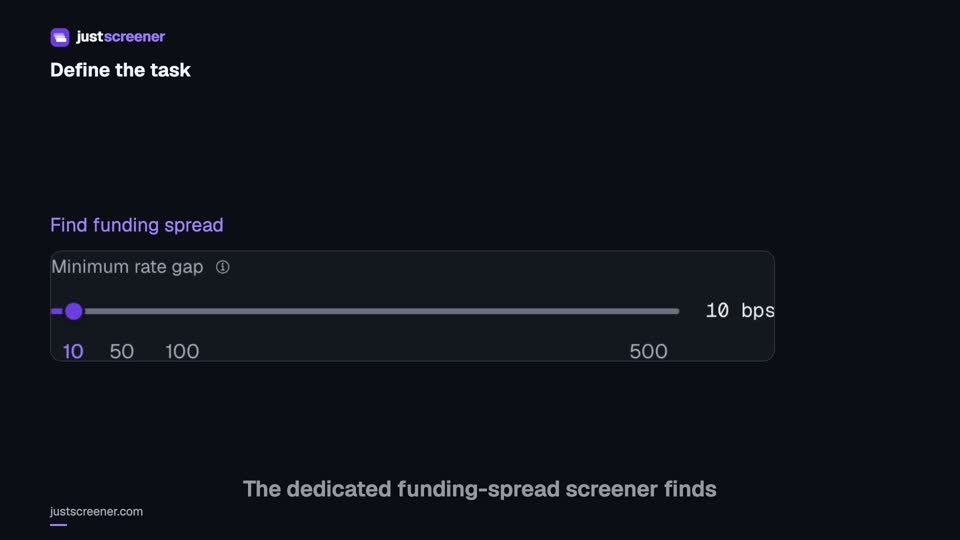 3:20
3:20
Complete funding spread screener setup
Basis-point thresholds, spread stability, the pair universe and per-coin cooldown.
Watch video →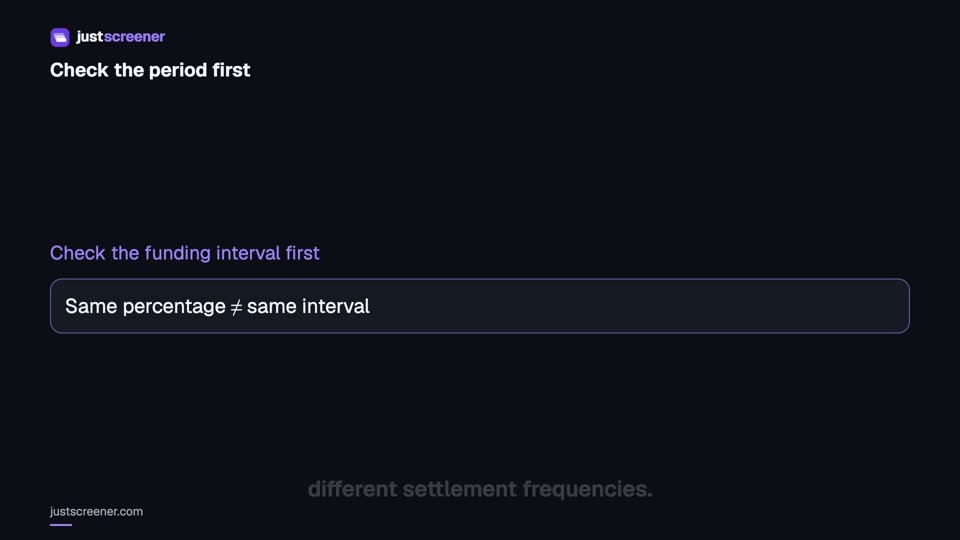 2:36
2:36
Funding: compare different intervals
Eight-hour normalization, unknown intervals and funding calculator assumptions.
Watch video →


