Exchanges, spot and futures: search filters
Shared exchange and market settings, form filters, open interest and coin lists.
Where to search
The same threshold can produce different matches depending on where the screener searches. We will review shared exchange settings and the filters for an individual screener. Start with the search scope, then consider how strict the conditions should be.
Shared exchanges
In shared settings, select the available exchanges and market types. These settings are used by your account screeners. Disabling a venue removes it from the search governed by these settings. Before changing it, consider which other screeners need that market. Coverage differs between exchanges, so use the controls actually available in the dashboard.
The form market filter
Now open the price screener. Its market filter further restricts this particular screener. Selecting futures only excludes spot pairs. This filter cannot restore a venue disabled in shared settings. A match must fit both the shared selection and the conditions in this form.
Open interest
Open interest is a futures metric, so its screener needs futures data. There is a less obvious case as well: a price or turnover screener can use a minimum open-interest filter. A spot pair cannot satisfy that filter. If you expect spot matches, check the additional restrictions as well as the market selection.
Lists and exceptions
The next layer is coin lists and minimum daily turnover. Favorites-only mode narrows the search to that list. Excluding blocked coins removes those coins. Individual screeners can have additional rules. For technical conditions, for example, candles come from the venue with higher turnover. If that venue does not match the selected market, the coin may produce no notification. Review the form hint for this behavior.
Review your selection
After changing settings, confirm that both the shared settings and the screener settings save successfully. Review the chain: exchange, market, lists, additional filters and the main condition. If the scope is too narrow, adjust one relevant filter. Enabling another exchange does not itself produce a notification. The conditions must match.
More videos
 2:54
2:54
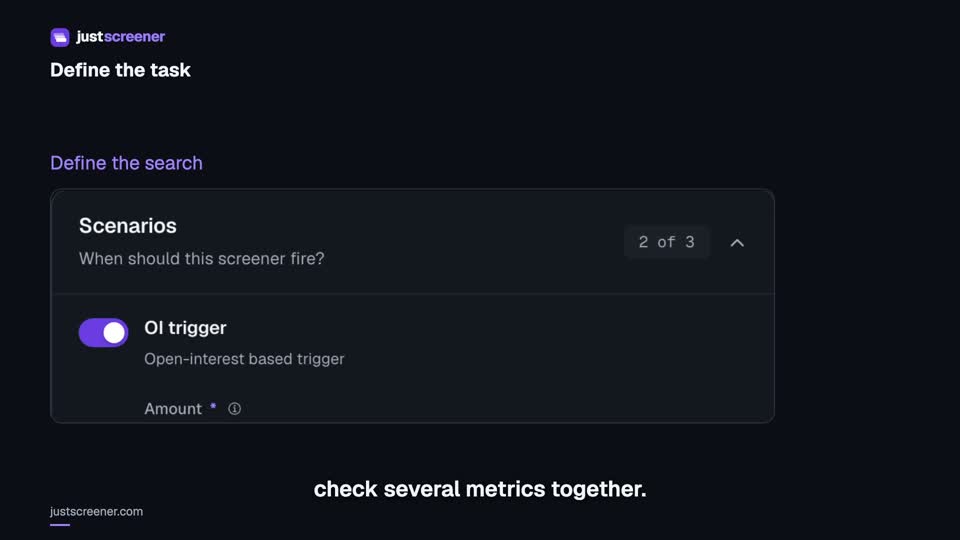
Custom conditions: combine your search rules
Combine price, open interest and turnover conditions: threshold signs, analysis windows, filters and repeats.
Watch video →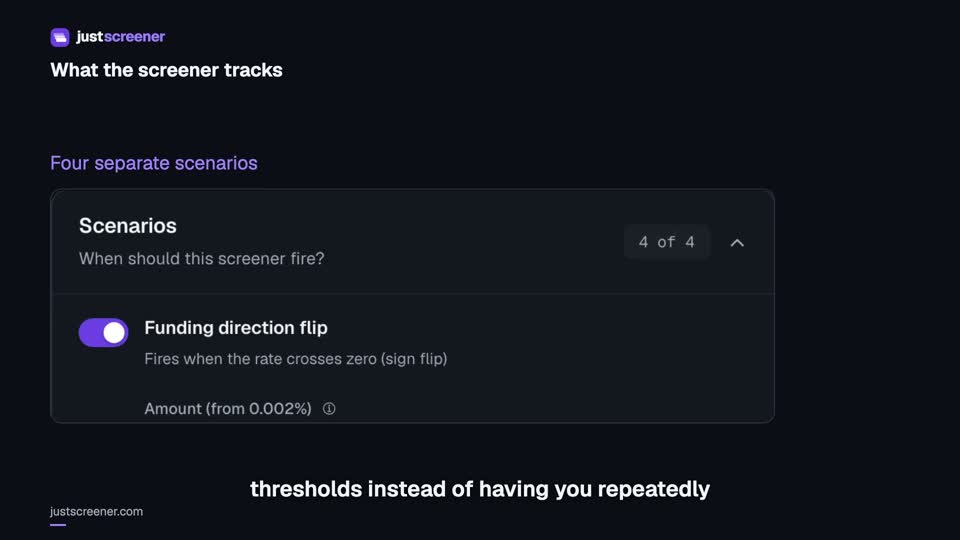 3:33
3:33
Complete funding screener setup
Four funding scenarios: thresholds, sign changes, cross-exchange spread, intervals and filters.
Watch video →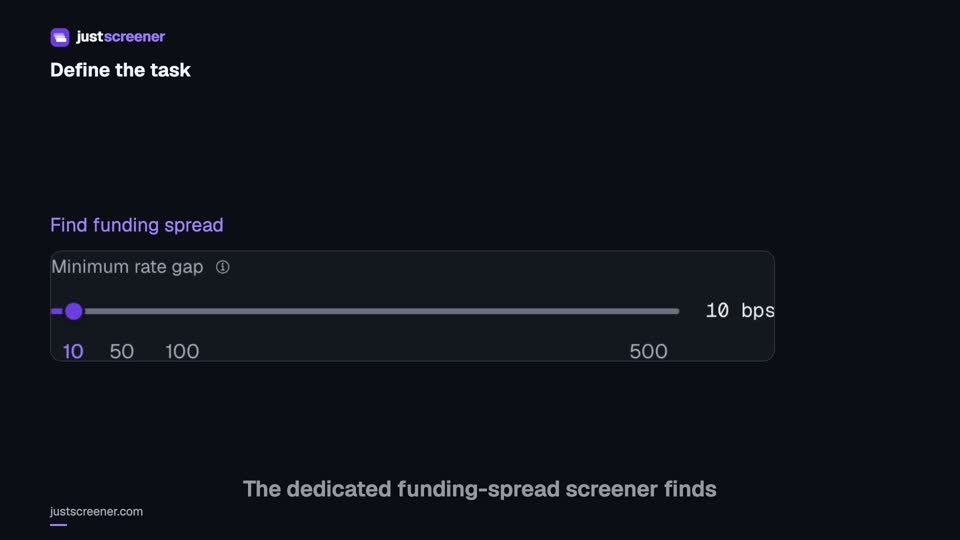 3:20
3:20
Complete funding spread screener setup
Basis-point thresholds, spread stability, the pair universe and per-coin cooldown.
Watch video →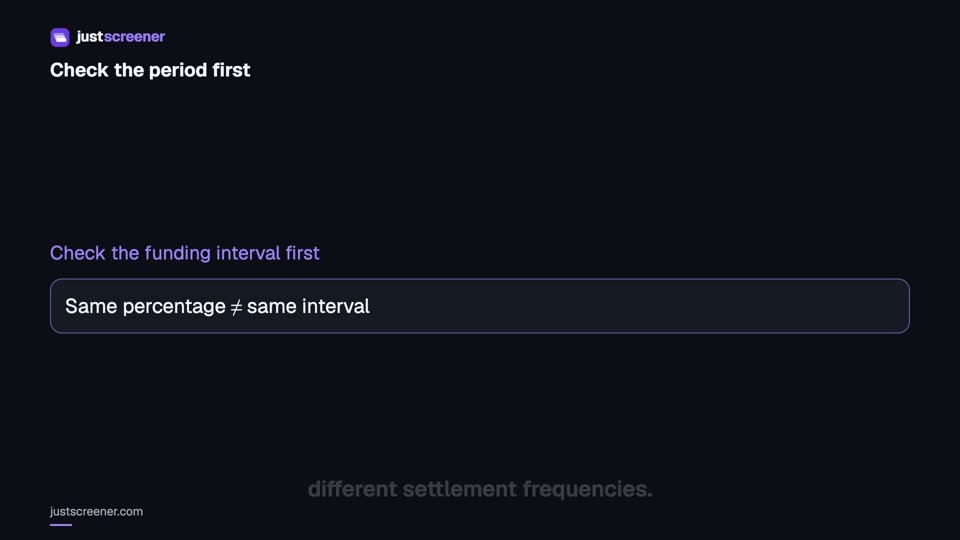 2:36
2:36
Funding: compare different intervals
Eight-hour normalization, unknown intervals and funding calculator assumptions.
Watch video →


