Your first JustScreener setup
Choose a screener, setup, notification channel and exchanges. Check the result of your first setup.
Your first setup
You do not have to keep switching between charts to monitor market moves. Start with one task: finding notable price changes and receiving notifications when your conditions match. We will complete the first JustScreener setup, then check that the selected screener is enabled and notification delivery is connected.
Screener and setup
First, choose what to track in the setup wizard. For this example, select price moves. Next, choose a ready-made setup. Open its details and review the conditions. Understand the direction of the move, the threshold and the interval. The name helps you find a starting point, but the conditions determine what the screener looks for. You can change these values later in the screener settings.
Notification channel
Now choose how to receive notifications. For Telegram, open the bot using the wizard button, press Start and return to the dashboard. For push, connect notifications on the device where you want to receive them. On iPhone, first open the installed site from the Home Screen. Separate videos cover each connection flow in detail. Here, check the selected channel status and complete its setup.
Exchanges and launch
Next, select exchanges and market types from the available list. These define where the screener looks for matches. Review your selection before starting. If the wizard asks you to start the selected screener bot, complete that step. Then start the trial if your account is eligible. Use the completion screen to confirm success. If an error appears, read its explanation and the suggested action. Pressing the button again does not confirm that setup succeeded.
Check the result
Open the selected screener and check its saved conditions, enabled state and delivery status. For push, send a test and check that it appears on the intended device. Confirm receipt only after you see the notification. A market notification arrives when market activity matches your conditions. Silence alone does not mean something is broken: check the conditions and delivery channel first. You can now review results and adjust one parameter at a time. Less chart scanning. More time for analysis.
More videos
 2:54
2:54
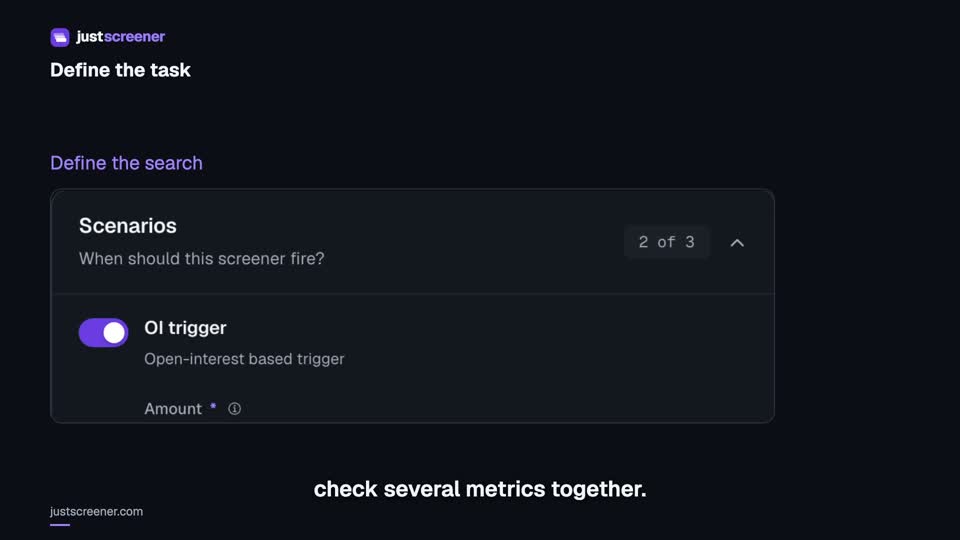
Custom conditions: combine your search rules
Combine price, open interest and turnover conditions: threshold signs, analysis windows, filters and repeats.
Watch video →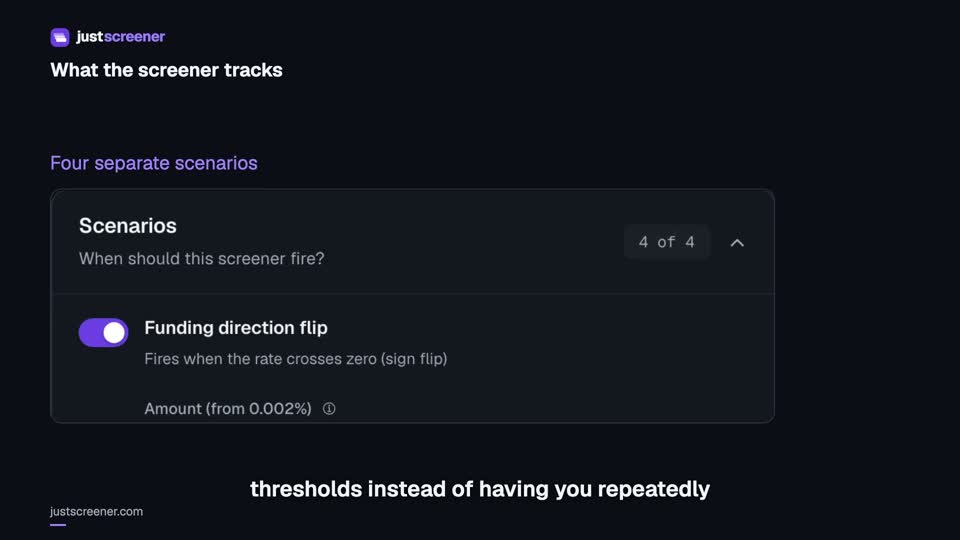 3:33
3:33
Complete funding screener setup
Four funding scenarios: thresholds, sign changes, cross-exchange spread, intervals and filters.
Watch video →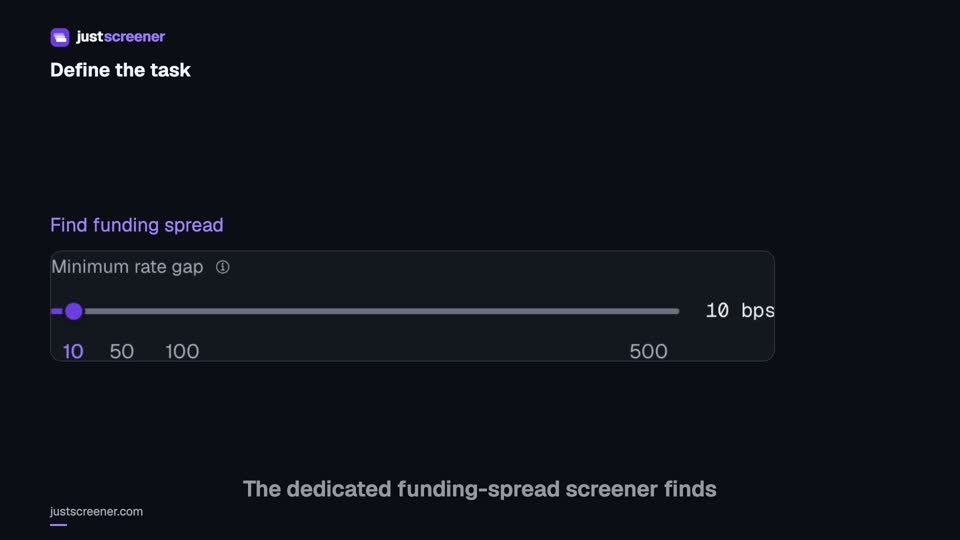 3:20
3:20
Complete funding spread screener setup
Basis-point thresholds, spread stability, the pair universe and per-coin cooldown.
Watch video →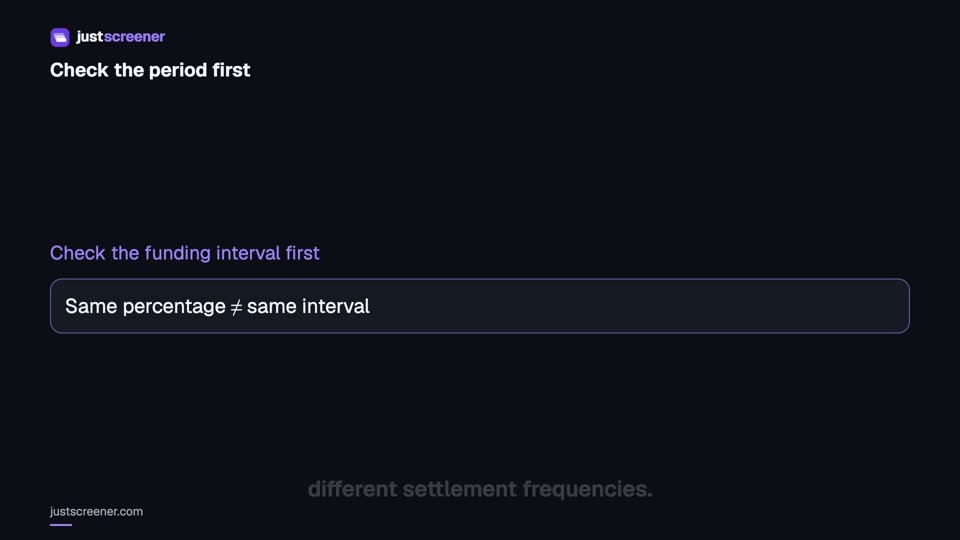 2:36
2:36
Funding: compare different intervals
Eight-hour normalization, unknown intervals and funding calculator assumptions.
Watch video →


