How to choose a ready-made setup
Compare conditions, understand automatic saving and adapt a setup to your task.
Choose a ready-made setup
A ready-made setup gives you a starting point without filling every field from scratch. First, define your task: what event do you want to find, and how many notifications can you comfortably review? We will use the price screener as an example. Other screeners have different conditions.
Compare conditions
Open the catalog and compare setups for the same screener. Read the descriptions and see which moves each option looks for. If notification frequency is shown, treat it as an observation-based guide. It does not guarantee the same flow tomorrow. If outcomes after matches are shown, they do not promise a return on your trades. Choose by task and conditions rather than the most attractive number.
Apply the setup
Before opening a setup, note that it fills the form and, when saving is available, can automatically save the values and enable the screener. This action changes settings. If you already use your own configuration, record the values you want to keep first. Open the selected setup in the form and inspect the result. With plan restrictions, the values may remain only in the form. Check the interface message rather than treating navigation as proof of saving.
Adjust and save
Now review the threshold, interval, directions and filters. Check frequency limits and any other enabled conditions as well. To adjust the flow, start with one parameter. Save your edits using Save and wait for confirmation. A separate video explains how to check frequency against recent data. That check helps you understand the conditions, but does not save the form by itself.
Check the result
After saving, reopen the settings to check the values, the screener’s enabled state and its delivery channel. A ready-made setup provides a starting point, while each event still needs your analysis. If the flow does not suit you, return to the conditions and change one parameter. The first-run video covers the complete sequence for a new account. Less chart scanning. More time for analysis.
More videos
 2:54
2:54
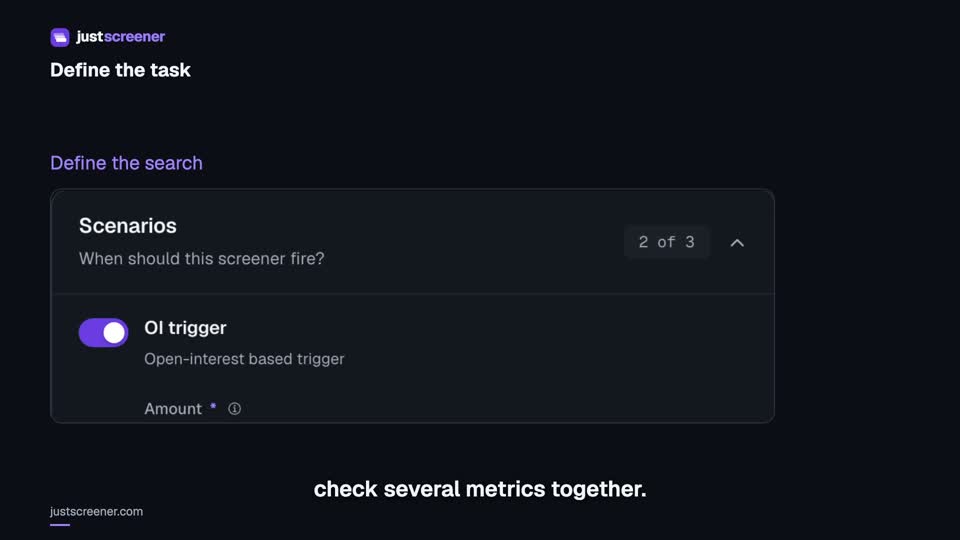
Custom conditions: combine your search rules
Combine price, open interest and turnover conditions: threshold signs, analysis windows, filters and repeats.
Watch video →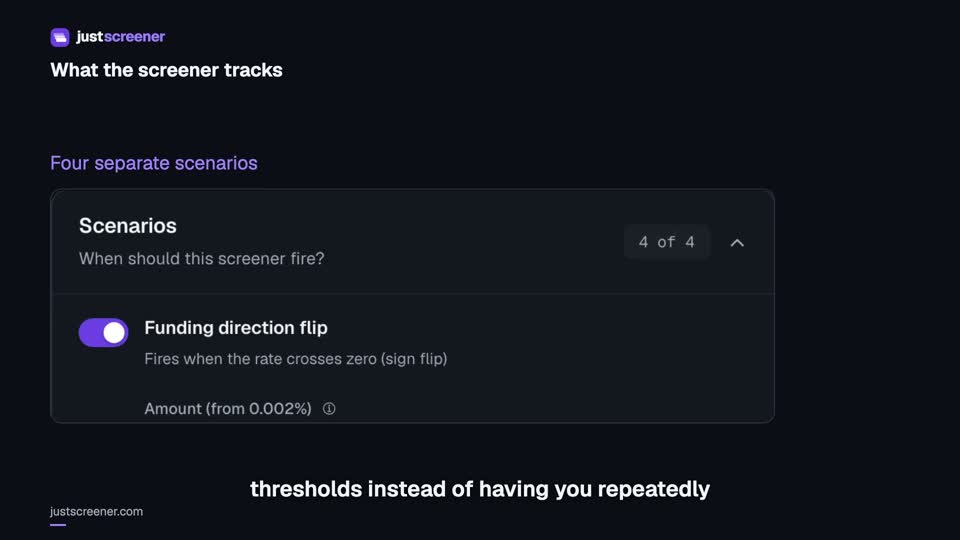 3:33
3:33
Complete funding screener setup
Four funding scenarios: thresholds, sign changes, cross-exchange spread, intervals and filters.
Watch video →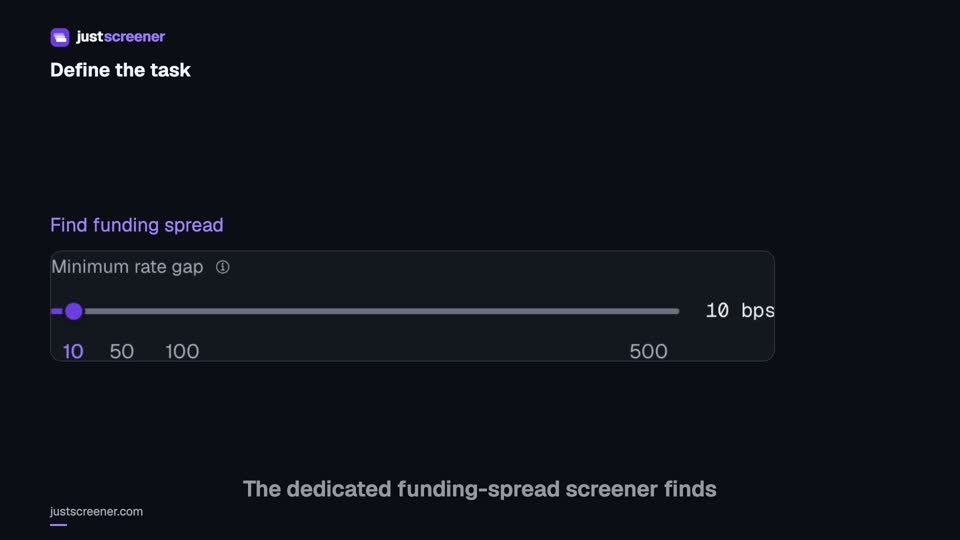 3:20
3:20
Complete funding spread screener setup
Basis-point thresholds, spread stability, the pair universe and per-coin cooldown.
Watch video →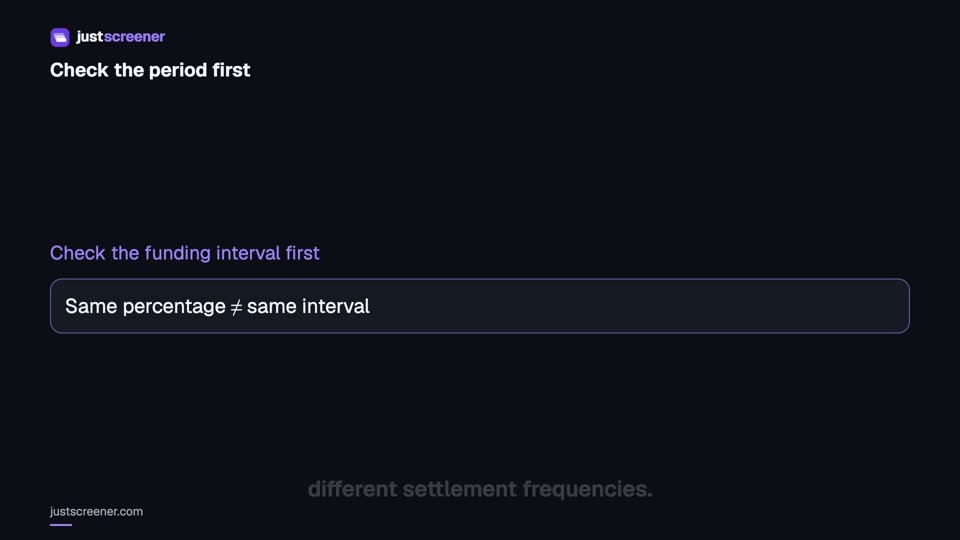 2:36
2:36
Funding: compare different intervals
Eight-hour normalization, unknown intervals and funding calculator assumptions.
Watch video →


