How to connect Telegram to JustScreener
Link your account, start the correct screener bot and check the selected channel.
Connect Telegram
Your screener is configured, but Telegram messages are missing? Check three things: the selected channel, the linked Telegram account and whether the bot for your screener has been started. Begin in the JustScreener dashboard. Open the notification channel settings and select Telegram.
Link your account
If the account is not linked yet, use the dashboard button to connect Telegram. A bot opens. Check that Telegram is using the account where you want messages to arrive, then press Start. Opening the chat alone is not enough: complete the start action. Return to the dashboard and wait for confirmation that the account is linked. There is no need to copy a numeric chat ID manually.
Start the right bot
Next, check the bot for the screener you intend to use. Different screeners have their own bots. In the wizard, the connection button uses the screener you selected. When you enable another screener, check its bot separately. If the dashboard says that a bot has not been started, open it using the interface link and press Start. Return and check the status again using the recheck button when it is shown.
Save the channel
In the regular settings, save the selected channel and wait for confirmation. In the wizard, complete the remaining setup steps. Then check that the screener itself is enabled and its conditions are saved. The linked Telegram account and the running screener are separate checks. One status does not replace the other. If saving fails, stay on the page and follow the suggested action.
If messages are missing
If messages are still missing, check the selected channel, the bot status and the screener conditions. In Telegram, also check whether the bot is blocked or the chat is muted. A market notification follows a match with your conditions. Linking the account does not create a market event. When a message arrives, our notification walkthrough explains how to read its details. Less chart scanning. More time for analysis.
More videos
 2:54
2:54
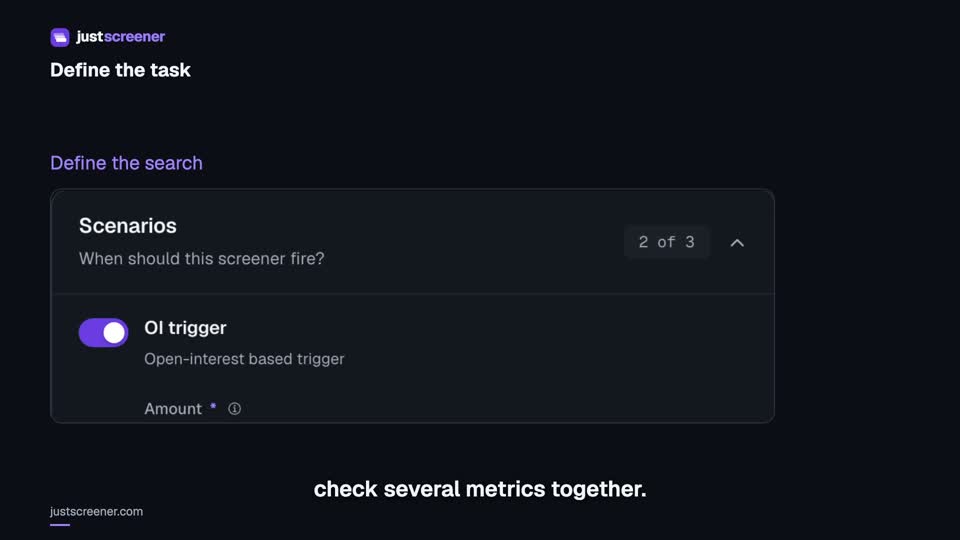
Custom conditions: combine your search rules
Combine price, open interest and turnover conditions: threshold signs, analysis windows, filters and repeats.
Watch video →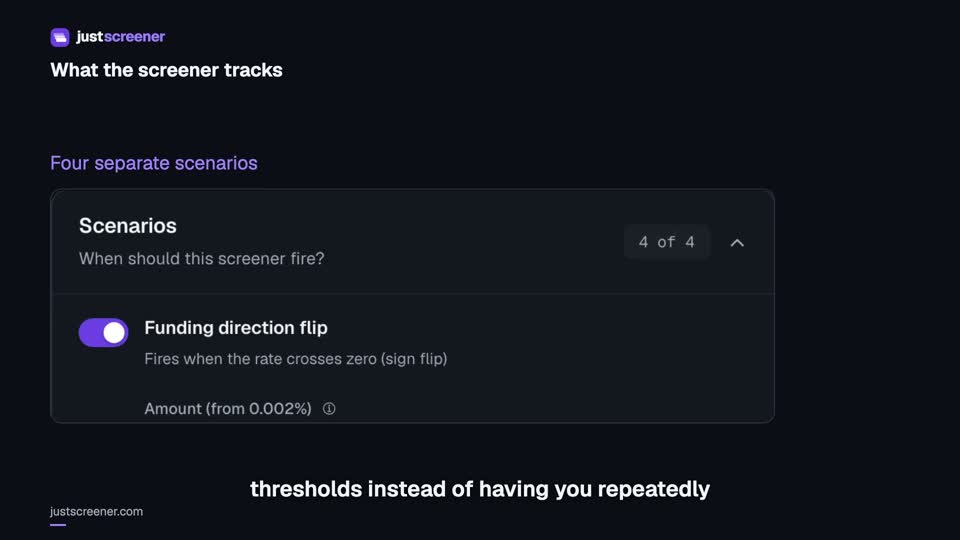 3:33
3:33
Complete funding screener setup
Four funding scenarios: thresholds, sign changes, cross-exchange spread, intervals and filters.
Watch video →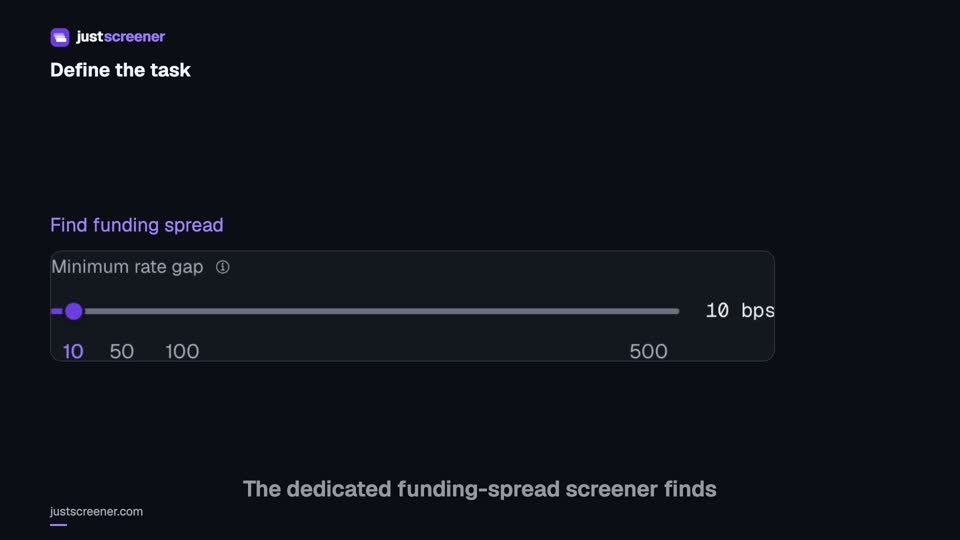 3:20
3:20
Complete funding spread screener setup
Basis-point thresholds, spread stability, the pair universe and per-coin cooldown.
Watch video →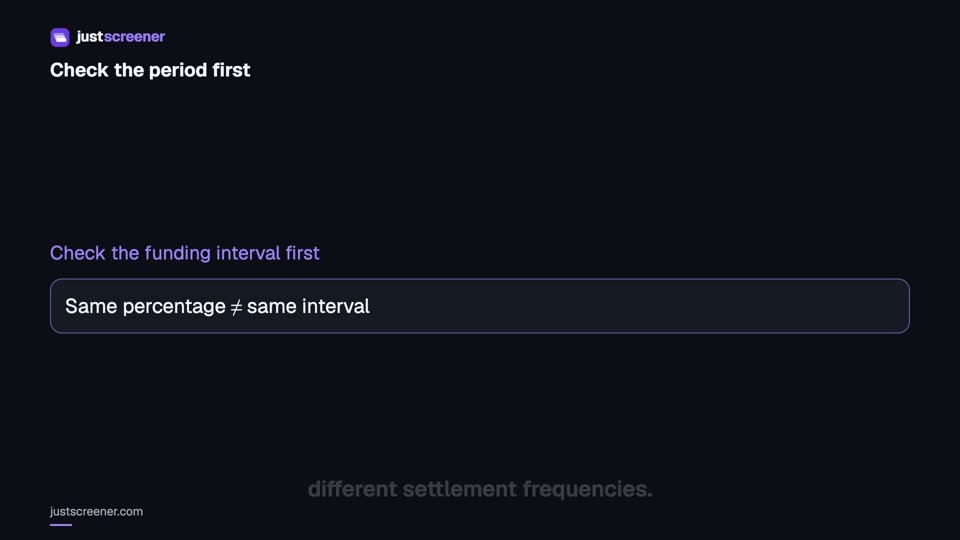 2:36
2:36
Funding: compare different intervals
Eight-hour normalization, unknown intervals and funding calculator assumptions.
Watch video →


