Check screener settings against recent history
Check unsaved settings, read the period and match frequency, and compare one changed parameter.
The video shows a check recorded on 17 October 2026. The available period and match frequency vary.
Check current settings
You have configured a screener, but you do not yet know how many notifications those settings might produce. Should you leave them as they are, raise the threshold or add a filter? Start by checking recent history. In JustScreener, this shows how often your chosen conditions matched the available market data. We will run a check, read the result and compare two versions of one setting.
Check the draft
Open the price screener settings. For this example, choose a rise of at least one percent over five minutes. Leave the other conditions unchanged for now. The check uses the values currently shown in the form, including changes you have not saved. First, make sure the fields describe your intended search, then run the calculation. Running the check does not save the settings or enable notification delivery. Saving is a separate action.
Read the result
First, check the period covered by the result. The request uses up to four hours of history, but the available calculation window can be shorter. Use the period displayed with the result. Next, look at the number of matches and coins. Many matches do not always mean many separate events. One coin may have matched repeatedly, while several coins may have moved at the same time. The activity timeline and notes help reveal those clusters. If a daily estimate is shown, it is a range based on a short observation window. Tomorrow's notification count may be different.
Compare one change
Now change only the growth threshold, from one to four percent. Keep the interval and filters the same. After the first run, the check runs again when you change a field. Wait for the new result before drawing a conclusion. A stricter threshold generally reduces matches on the same history. Sequential checks happen at different times, though, so compare their periods as well. Changing the threshold, interval and filters together makes it harder to see what caused the difference. Start with one parameter and decide whether the resulting flow fits your task.
Limits and saving
This check counts matching conditions. It does not include your entry rules, exit rules, position size or trading costs, so it does not measure a strategy's profitability. Zero matches over a short period does not mean notifications will never arrive. If there is too little data or the service is busy, read the message and return to the check later. Once the conditions and frequency fit your task, check the notification delivery method and save the settings separately. That gives you a reason for choosing these values rather than simply copying somebody else's setup.
More videos
 2:54
2:54
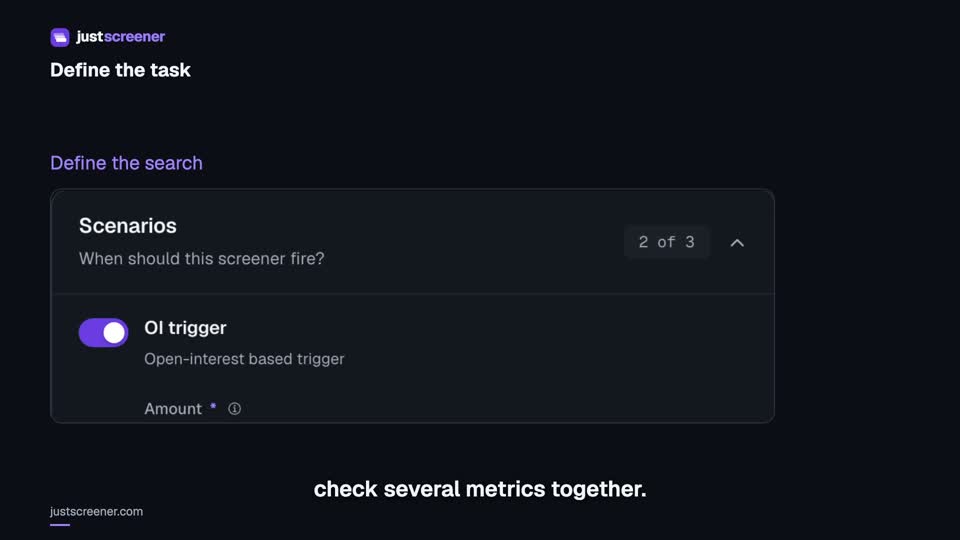
Custom conditions: combine your search rules
Combine price, open interest and turnover conditions: threshold signs, analysis windows, filters and repeats.
Watch video →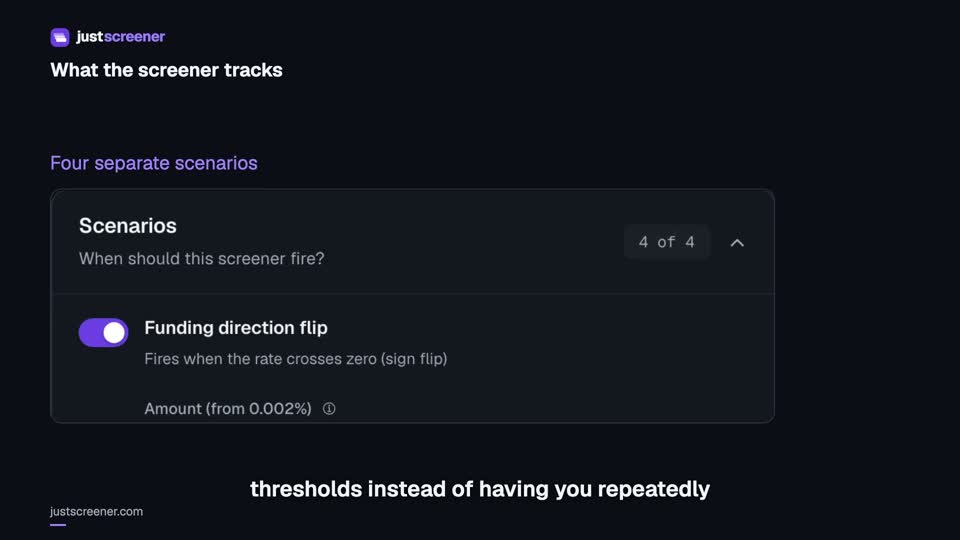 3:33
3:33
Complete funding screener setup
Four funding scenarios: thresholds, sign changes, cross-exchange spread, intervals and filters.
Watch video →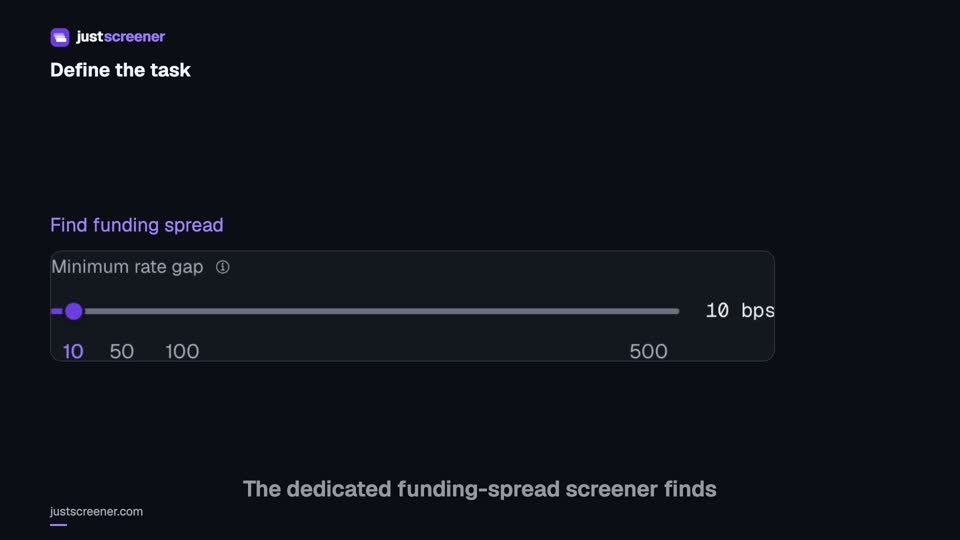 3:20
3:20
Complete funding spread screener setup
Basis-point thresholds, spread stability, the pair universe and per-coin cooldown.
Watch video →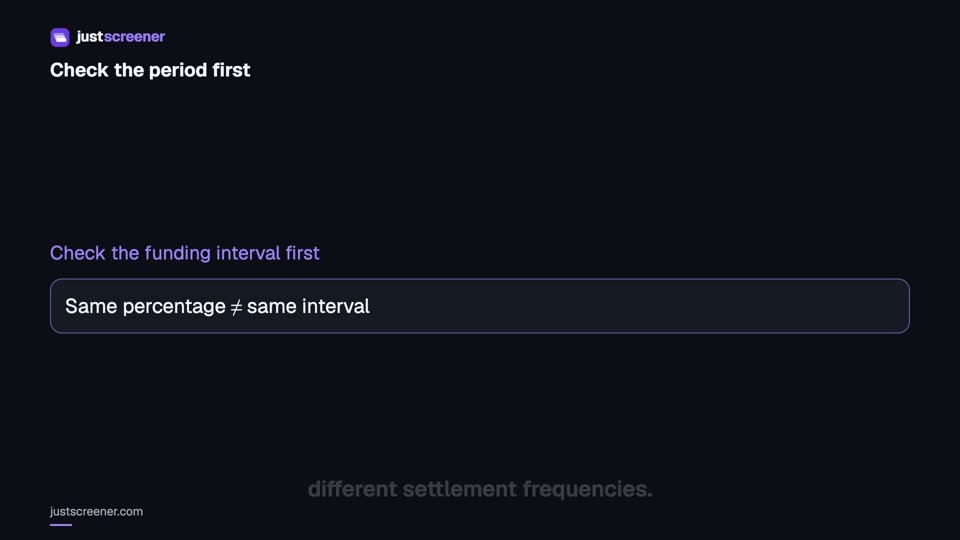 2:36
2:36
Funding: compare different intervals
Eight-hour normalization, unknown intervals and funding calculator assumptions.
Watch video →


